
These are the best graphics cards to pair with the Ryzen 7 7800X3D.
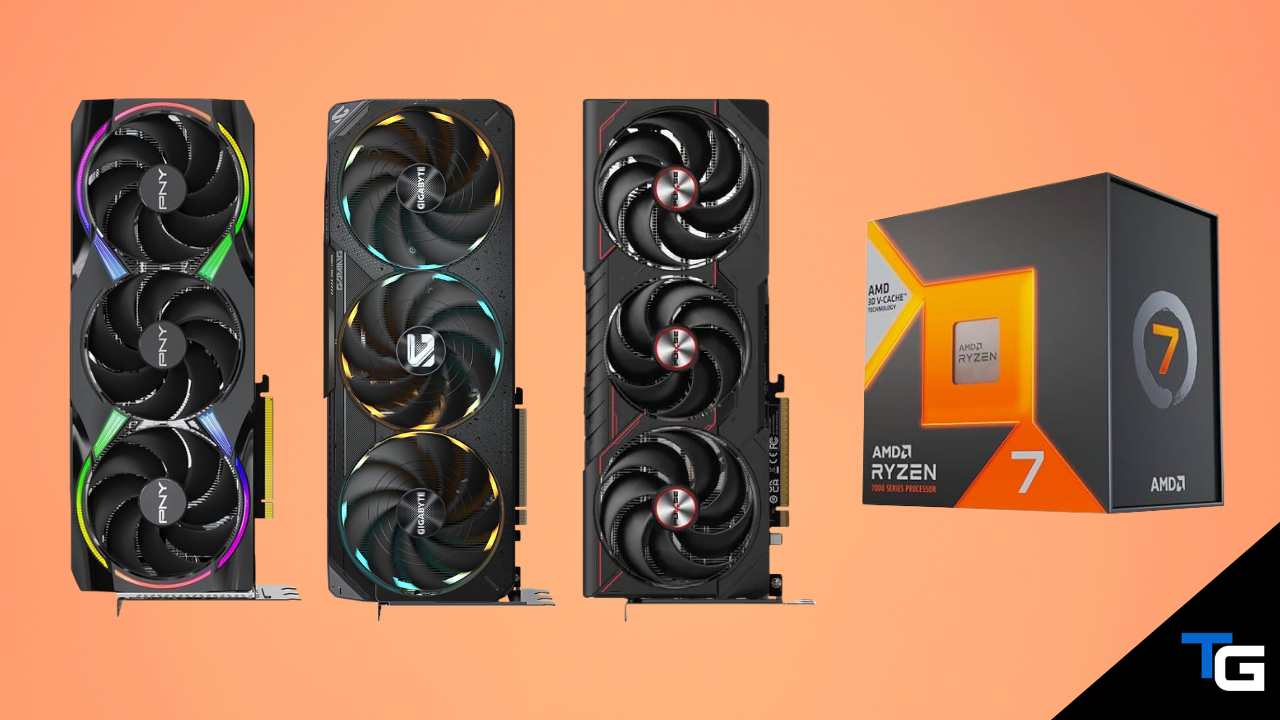
While AMD’s newer Ryzen 7 9800X3D is faster overall, the Ryzen 7 7800X3D is still an excellent gaming processor in 2026. Its 3D V-Cache and strong gaming performance make it capable of supporting anything from a high-refresh-rate 1440P build to an enthusiast 4K system.
The 7800X3D only makes sense as a value alternative to the 9800X3D when it is meaningfully cheaper, though, so compare current CPU prices before buying. If you already own one, there is little reason to replace it just to install a faster graphics card.
In this guide, we’ll cover the best current GPUs to pair with the 7800X3D, ranging from the RTX 5090 for an uncompromising 4K build to the RX 9070 and RTX 5070 for a more affordable high-end pairing. You can also see how the 7800X3D compares with newer processors in our guide to the best CPUs for gaming.
Also Read: Best Motherboards for the Ryzen 7 7800X3D
Watch: What to Look for in a Graphics Card
For more help comparing performance, VRAM, power requirements, and card dimensions, read our full guide on how to choose a graphics card.
Filter for the Right Graphics Card
NVIDIA GeForce RTX 5090
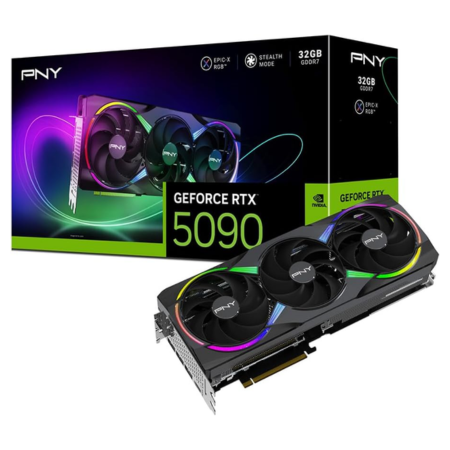
Our pick: PNY GeForce RTX 5090 Epic-X ARGB OC
Tech Specs
- Boost: 2625MHz
- VRAM: 32GB GDDR7
- Length: 329mm
- TDP: 600W
- PSU: 1000-watts
Pros & Cons
- Fastest gaming GPU in this guide
- 32GB of GDDR7 VRAM
- Excellent ray tracing and DLSS support
- Extremely expensive
- Large and power-hungry
PNY RTX 5090 Epic-X ARGB OC Overview
If you want the fastest option to pair with your 7800X3D and cost is secondary, NVIDIA’s RTX 5090 is the obvious choice. Of the RTX 5090 models available on Amazon, we like PNY’s Epic-X ARGB OC.
Like other RTX 5090s, it comes with 32GB of GDDR7 memory on a 512-bit bus and supports NVIDIA’s full Blackwell feature set, including DLSS 4.5, Reflex 2, and fourth-generation ray-tracing cores. PNY also applies a factory overclock that raises the boost clock to 2625MHz.
The card uses a triple-fan, 3.5-slot cooler and measures 329mm long, so check your case’s GPU clearance and available expansion slots before buying. If you need a roomier chassis, our guide to the best PC cases includes several high-airflow options suited to large graphics cards.
For display connectivity, you get three DisplayPort 2.1b outputs and one HDMI 2.1b output. The card draws up to 600 watts through a 12V-2×6 connector, and PNY recommends a 1000-watt power supply.
Paired with the 7800X3D, the RTX 5090 is best suited to 4K high-refresh-rate gaming, demanding ray tracing, VR, and GPU-heavy creator or AI workloads. It is excessive for most 1440P systems, but it offers the highest performance ceiling of any option here.
NVIDIA GeForce RTX 5080
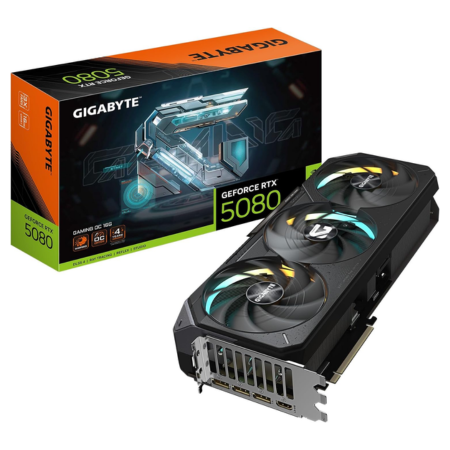
Our pick: GIGABYTE RTX 5080 Gaming OC
Tech Specs
- Core Clock: 2730MHz
- VRAM: 16GB GDDR7
- Length: 340mm
- Power: 360W
- PSU: 850-watts
Pros & Cons
- Excellent 4K gaming performance
- Strong ray tracing and DLSS support
- Effective cooler with dual BIOS
- Large 3.5-slot design
- Significantly more expensive than the 5070 Ti and 9070 XT
GIGABYTE RTX 5080 Gaming OC Overview
If the RTX 5090 is beyond your budget, the RTX 5080 is the more sensible premium option for a 4K gaming build. GIGABYTE’s Gaming OC model is one of the better-balanced versions currently available.
It comes with 16GB of GDDR7 memory on a 256-bit bus, while GIGABYTE’s factory overclock raises the core clock to 2730MHz. You also get NVIDIA’s latest ray-tracing features, DLSS 4.5, and Reflex 2.
GIGABYTE’s three-fan WINDFORCE cooler uses a large vapor chamber and alternate-spinning Hawk fans. A dual-BIOS switch lets you choose between the default performance mode and a quieter operating profile, and the included support bracket helps prevent GPU sag.
The card measures 340 × 140 × 70mm, so it needs a spacious case with adequate airflow. It uses one 16-pin power connector, and GIGABYTE recommends an 850-watt power supply.
Overall, the RTX 5080 is the best premium pairing for the 7800X3D for most buyers who want excellent 4K performance without paying the much higher price demanded by an RTX 5090.
AMD Radeon RX 9070 XT
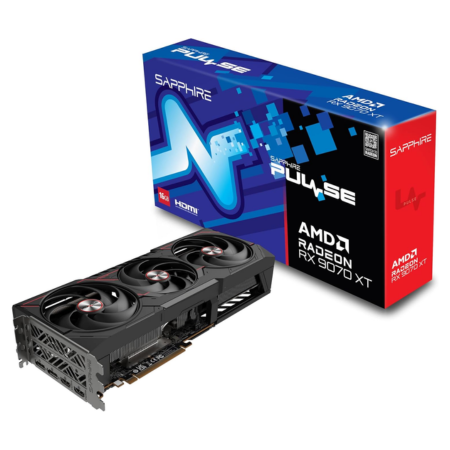
Our pick: Sapphire PULSE RX 9070 XT
Tech Specs
- Game: 2400MHz
- Boost: 2970MHz
- VRAM: 16GB GDDR6
- Length: 320mm
- PSU: 750-watts
Pros & Cons
- Excellent raster performance for the money
- 16GB of VRAM
- Standard dual 8-pin power connectors
- Strong 1440P and capable 4K performance
- Ray tracing and upscaling trail NVIDIA’s competing options
Sapphire PULSE RX 9070 XT Overview
If you prefer an AMD graphics card, the RX 9070 XT is the fastest current-generation Radeon GPU in this guide. Of the available models, Sapphire’s PULSE edition offers a relatively straightforward design with a capable cooling solution.
The card comes with 16GB of GDDR6 memory on a 256-bit bus and runs at up to a 2400MHz game clock and 2970MHz boost clock. Its triple-fan cooler measures 320 × 120 × 62mm, so it occupies three slots but should fit inside most modern mid-tower cases.
Power is supplied through two standard 8-pin PCIe connectors, and Sapphire recommends at least a 750-watt power supply. For displays, you get two DisplayPort 2.1a and two HDMI 2.1b outputs.
When paired with the 7800X3D, the RX 9070 XT is an excellent choice for high-refresh-rate 1440P gaming and a capable option for 4K. It is especially attractive when it is priced below the RTX 5070 Ti and you care more about conventional rasterized performance than ray tracing.
NVIDIA GeForce RTX 5070 Ti
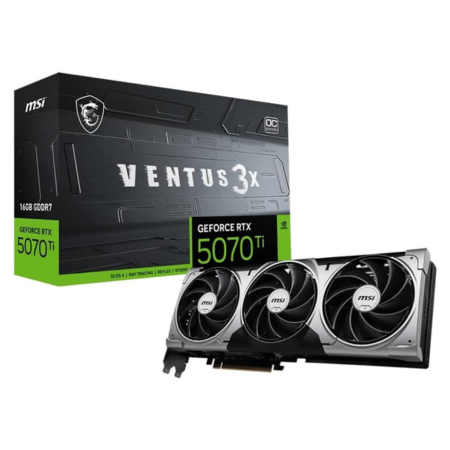
Our pick: MSI RTX 5070 Ti Ventus 3X OC
Tech Specs
- Boost: 2482MHz
- Extreme: 2497MHz
- VRAM: 16GB GDDR7
- Length: 303mm
- PSU: 750-watts
Pros & Cons
- Excellent high-refresh-rate 1440P performance
- 16GB of GDDR7 VRAM
- Strong ray tracing and DLSS support
- More compact than most cards above it
- Often costs more than the RX 9070 XT
MSI RTX 5070 Ti Ventus 3X OC Overview
For upper-midrange NVIDIA performance, the RTX 5070 Ti is one of the best matches for the 7800X3D. It comes with 16GB of GDDR7 memory on a 256-bit bus and gives you NVIDIA’s strong ray-tracing performance, DLSS 4.5, and Reflex 2.
Of the RTX 5070 Ti models available, MSI’s Ventus 3X OC is a practical option. It reaches a 2482MHz boost clock by default and up to 2497MHz through MSI Center. Its cooler uses three TORX Fan 5.0 fans, a nickel-plated copper baseplate, and a vented metal backplate.
At 303 × 121 × 49mm, it fits more easily in a typical mid-tower than the larger cards listed above. The card draws 300 watts, uses one 16-pin connector, and MSI recommends a 750-watt power supply.
The RTX 5070 Ti is a strong alternative to the RX 9070 XT. Both are excellent at high-refresh-rate 1440P gaming and can handle 4K, but the RTX 5070 Ti is the better fit if ray tracing and NVIDIA’s software features are priorities.
AMD Radeon RX 9070
Our pick: XFX Swift RX 9070 OC

Tech Specs
- Game: 2210MHz
- Boost: 2700MHz
- VRAM: 16GB GDDR6
- Length: 325mm
- PSU: 800-watts
Pros & Cons
- Excellent 1440P performance
- 16GB of VRAM
- Capable entry-level 4K option
- Standard dual 8-pin power connectors
- Large 3.5-slot cooler
XFX Swift RX 9070 OC Overview
If you want to spend less than the RX 9070 XT costs, XFX’s Swift RX 9070 OC is worth considering. It gives up some performance to the XT model but retains 16GB of GDDR6 memory on a 256-bit bus.
The XFX card runs at up to a 2210MHz game clock and 2700MHz boost clock. It uses a triple-fan, 3.5-slot cooler and measures 325 × 150 × 65mm, so make sure your case has enough GPU clearance before ordering.
Power is delivered through two conventional 8-pin PCIe connectors, and XFX recommends an 800-watt power supply for this factory-overclocked model.
Ultimately, the RX 9070 is a strong match for the 7800X3D if your main goal is high-refresh-rate 1440P gaming. It can also provide a good 4K experience if you are willing to adjust demanding graphics settings or use upscaling.
NVIDIA GeForce RTX 5070
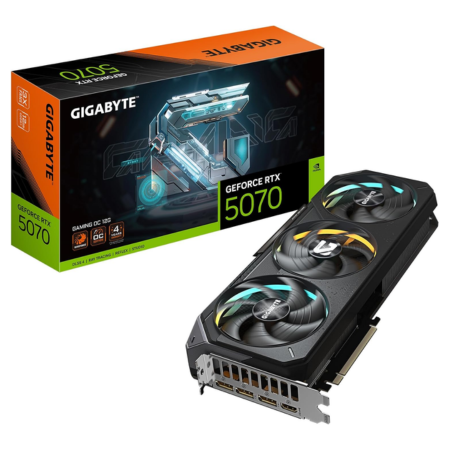
Our pick: GIGABYTE RTX 5070 Gaming OC
Tech Specs
- Core Clock: 2625MHz
- VRAM: 12GB GDDR7
- Length: 327mm
- Power: 250W
- PSU: 750-watts
Pros & Cons
- Strong 1440P performance
- DLSS and ray tracing at a lower price
- Effective triple-fan cooler with dual BIOS
- Slower raster performance than the RX 9070
- Only 12GB of VRAM
GIGABYTE RTX 5070 Gaming OC Overview
For an NVIDIA alternative to the RX 9070, consider the RTX 5070. The GIGABYTE Gaming OC version combines a 2625MHz factory-overclocked core clock with 12GB of GDDR7 memory on a 192-bit bus.
GIGABYTE’s WINDFORCE cooler uses three fans, a large heatsink, and a vapor chamber. It also includes a dual-BIOS switch, reinforced backplate, and support bracket.
The card measures 327 × 132 × 56mm, so it is still a full-size design that requires adequate case clearance. It draws 250 watts through one 16-pin connector, and GIGABYTE recommends a 750-watt power supply.
The RTX 5070 is best suited to high-refresh-rate 1440P gaming. Its 12GB of VRAM is less generous than the RX 9070’s 16GB, so read our guide on how much VRAM you need for gaming if you are deciding between them. The RTX 5070’s main advantages are its ray-tracing performance and access to NVIDIA’s DLSS feature set.
Which GPU Should You Get for the 7800X3D?
For an uncompromising 4K system, the RTX 5090 is the fastest option, but the RTX 5080 is the more sensible premium choice for most gamers.
If you want a better balance between price and performance, choose between the RTX 5070 Ti and RX 9070 XT. The 5070 Ti makes more sense for ray tracing and NVIDIA’s DLSS features, while the 9070 XT is often the stronger value for traditional rasterized gaming.
For a lower-cost 1440P pairing, the RX 9070 and RTX 5070 are both good matches for the Ryzen 7 7800X3D. Compare current prices before deciding, because GPU pricing can change quickly.
Frequently Asked Questions
What is the best GPU to pair with the Ryzen 7 7800X3D?
The RTX 5080 is the best premium pairing for most 7800X3D owners because it delivers excellent 4K performance without the RTX 5090’s extreme cost and power requirements. For better value, the RX 9070 XT and RTX 5070 Ti are excellent choices for high-refresh-rate 1440P gaming and capable 4K gaming.
Will the Ryzen 7 7800X3D bottleneck an RTX 5090 or RTX 5080?
The 7800X3D is fast enough to support either GPU well. You may encounter a CPU limit in highly CPU-dependent games at 1080P or when targeting extremely high frame rates, but at 4K the graphics card is usually the more important performance constraint. Every gaming system has a limiting component, and that limit changes with the game, resolution, and graphics settings.
Is an RTX 5090 overkill for the Ryzen 7 7800X3D?
Not for an enthusiast 4K build, demanding ray tracing, VR, or GPU-heavy productivity work. It is overkill for most 1080P and ordinary 1440P gaming systems, where a less expensive RX 9070 XT, RTX 5070 Ti, RX 9070, or RTX 5070 will offer much better value.
Should I use an AMD GPU with an AMD CPU?
You do not need to match GPU and CPU brands. The Ryzen 7 7800X3D works with both AMD Radeon and NVIDIA GeForce graphics cards. Choose based on price, performance, VRAM, ray tracing, upscaling features, and power requirements rather than brand matching.
What power supply do I need for a Ryzen 7 7800X3D gaming PC?
The answer depends primarily on the graphics card and the specific board partner’s recommendation. The cards in this guide call for roughly a 750- to 1000-watt PSU, with some factory-overclocked RX 9070 models recommending 800 watts. Use a high-quality unit with the correct native connectors and enough headroom for your entire build. Our power supply buyer’s guide includes suitable options across those wattage ranges.
What is the best value GPU for the Ryzen 7 7800X3D?
The RX 9070 XT is usually the best value if you want strong conventional gaming performance at 1440P and 4K. The RTX 5070 Ti can be worth the premium if ray tracing and NVIDIA’s DLSS features matter more. At a lower price tier, compare the RX 9070 and RTX 5070 based on current pricing and the games you play.
