
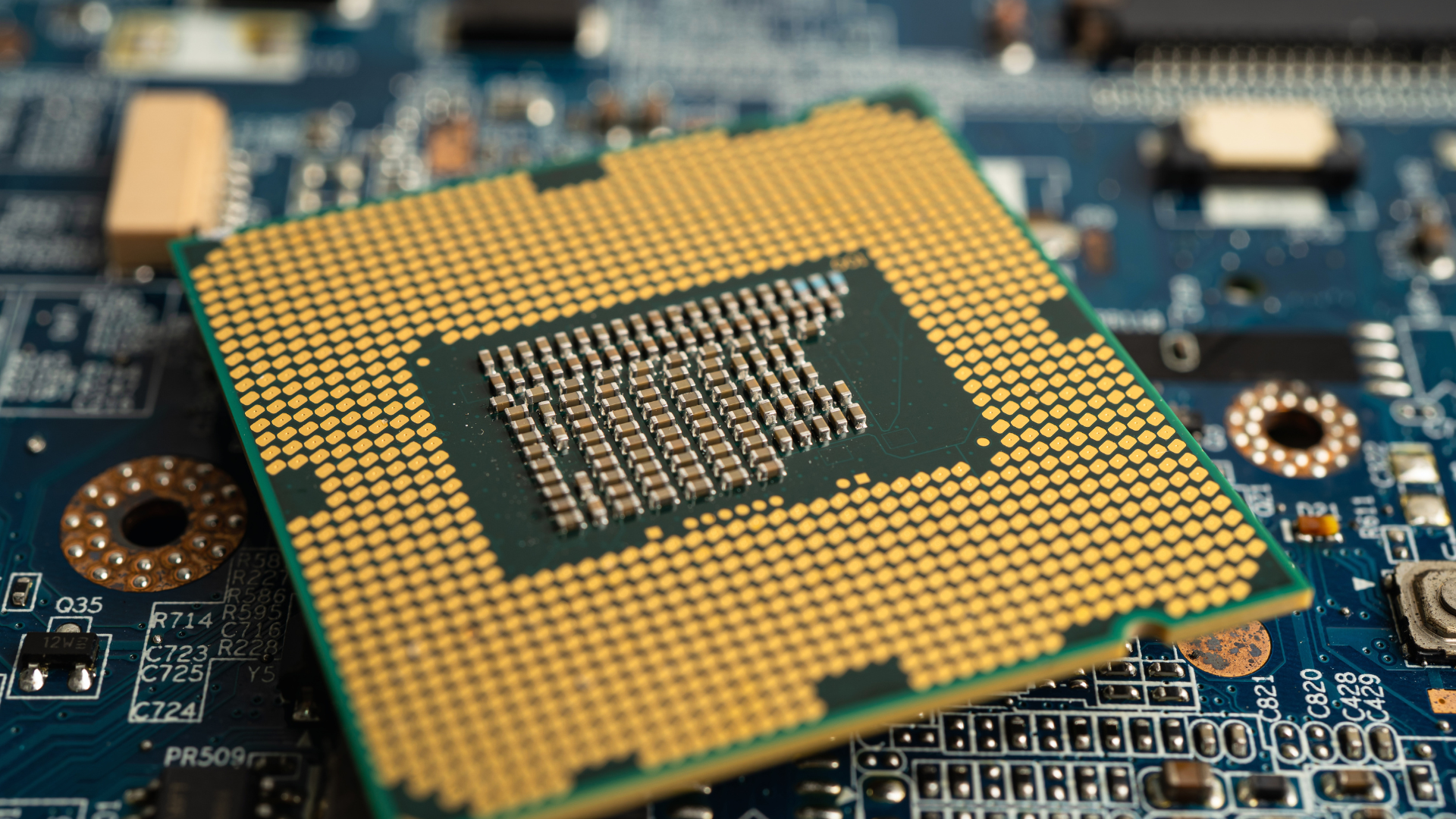
Yes, CPU cache can matter significantly for gaming performance. Games repeatedly access instructions, world data, physics information, draw-call data, and other small working sets. When more of that information remains in fast on-chip cache, the processor spends less time waiting for system memory.
More cache is not automatically better in every comparison. Cache latency, architecture, clock speed, core design, memory performance, and the game’s workload all affect the result. Compare complete processors, not only their advertised megabytes.
What CPU Cache Does
The CPU needs data and instructions to perform work. Its cores operate much faster than system RAM can respond, so the processor uses small, fast caches as intermediate storage.
If requested data is already in cache—a cache hit—the core can access it quickly. If it is not—a cache miss—the CPU must retrieve it from a slower cache level or system memory. Repeated misses increase waiting and can reduce frame-rate consistency.
| Cache Level | General Character | Gaming Relevance |
|---|---|---|
| L1 | Smallest and fastest, located closest to each core | Feeds immediately needed instructions and data |
| L2 | Larger but slower than L1, commonly associated with a core | Holds a larger working set near execution resources |
| L3 | Much larger and usually shared across a group of cores | Can keep more game data on-chip and reduce trips to RAM |
| System RAM | Far larger but much higher latency | Supplies data that does not fit in cache |
The exact design differs by processor architecture, so this is a simplified hierarchy rather than a specification shared by every CPU.
Why Games Can Be Cache Sensitive
Games work with many data structures that are revisited frequently: object positions, animation states, physics, AI, visibility, draw calls, and simulation data. Keeping a useful portion close to the cores can reduce memory latency.
Open-world games, simulations, MMOs, strategy titles, and some competitive games can benefit substantially. Other titles fit their active data well in a conventional cache or spend most of the frame on GPU rendering, reducing the difference.
A larger cache can also reduce sensitivity to system-memory latency. That does not make RAM speed irrelevant, but it can change how much performance a memory upgrade provides.
How 3D V-Cache Works
AMD’s 3D V-Cache processors add a large amount of L3 cache using vertically stacked silicon. This dramatically increases the cache available to a group of cores without making the main CPU die much larger.
Many games respond well because their working data is more likely to remain on-chip. That is why cache-focused Ryzen X3D processors frequently rank among the best AMD gaming CPUs.
The technology still has tradeoffs. Product generations differ in clock behavior, thermal design, core layout, and productivity performance. A cache-focused eight-core may beat a higher-core-count CPU in games but lose in rendering or compilation.
Average FPS and 1% Lows
Additional cache can improve average FPS by helping the CPU prepare more frames. It can also improve 1% lows when memory access stalls contribute to slow frames.
The size of the improvement varies. A CPU-limited title may show a large gain, while a GPU-limited game may show almost none. One benchmark should not be generalized to every game.
Background processes, memory configuration, and shader compilation can also affect low-percentile performance. Cache is one factor in frame pacing, not a universal cure for stutter.
Does Cache Matter More at 1080p?
CPU differences are easiest to expose at 1080p with a powerful GPU and reduced graphics settings. The GPU finishes frames quickly, leaving the CPU as the limit.
At 1440p and 4K, increased GPU work often narrows the gap. Cache can still matter when the game is CPU-heavy or when the GPU is fast enough to maintain high frame rates.
This is why CPU reviews often test at low resolution with a flagship graphics card: the method isolates processor capability. It does not mean every buyer will experience the same percentage difference.
Games That Tend to Benefit Most
- Large simulations with many objects, agents, or calculations
- Strategy games with complex turns or real-time battles
- MMOs and busy multiplayer environments
- Open-world games that stream and revisit large data sets
- Competitive games targeting very high frame rates
- Titles whose engines show strong benchmark scaling with cache-focused CPUs
Genre is only a clue. Test results from the exact game are stronger evidence than a general category.
Why Cache Size Alone Is Misleading
Two CPUs with 32MB of L3 cache can have different core architectures, latency, clocks, memory controllers, and core counts. A CPU with more cache can also be slower if the rest of its design is substantially weaker.
Cache may be divided among core groups, and software can incur latency when threads or data cross those boundaries. Operating-system scheduling and game optimization influence how well the layout is used.
Compare real performance, platform cost, power consumption, and productivity results. Our best CPUs for gaming guide evaluates complete products rather than ranking by one specification.
Cache Versus Cores and Clock Speed
Clock speed tells you how many cycles a core can attempt per second, but not how much work it completes per cycle or how often it waits for data. Core count shows parallel resources, but games do not scale perfectly across unlimited threads.
Cache helps feed those cores. The best gaming design balances all three with strong architecture and memory behavior. That is why adding two slower cores or a few megabytes of cache does not guarantee a win.
Can Low CPU Usage Still Be a Cache or CPU Limit?
Yes. Total CPU usage averages all cores. A game can saturate one main thread while other cores remain partially idle, producing a low overall percentage.
Cache misses can also stall a busy thread without making every core show 100%. Use per-core graphs and frame-time data when diagnosing low CPU usage in games.
Frequently Asked Questions
Is more L3 cache always better for gaming?
No. More L3 can help, but architecture, latency, clocks, cores, memory, and game behavior matter. Compare complete CPU benchmarks.
Why is 3D V-Cache fast in games?
It gives the CPU a much larger L3 cache, increasing the chance that frequently used game data stays close to the cores instead of being retrieved from slower RAM.
Does cache matter at 4K?
It can, but the GPU is more often the main limit at 4K. Cache differences become visible when a game remains CPU-heavy or when the GPU is powerful enough to produce high frame rates.
Can I add more CPU cache?
No. Cache is built into the processor design. Increasing system RAM or changing memory settings does not convert it into CPU cache.
Bottom Line
CPU cache matters because it reduces the time cores spend waiting for game data. Large L3 caches—and 3D V-Cache in particular—can improve average FPS and 1% lows in CPU-sensitive games.
Do not shop by cache size alone. Compare the complete architecture, your games, resolution, GPU, platform price, and non-gaming workloads. For a wider explanation, see how CPUs affect gaming FPS.
