
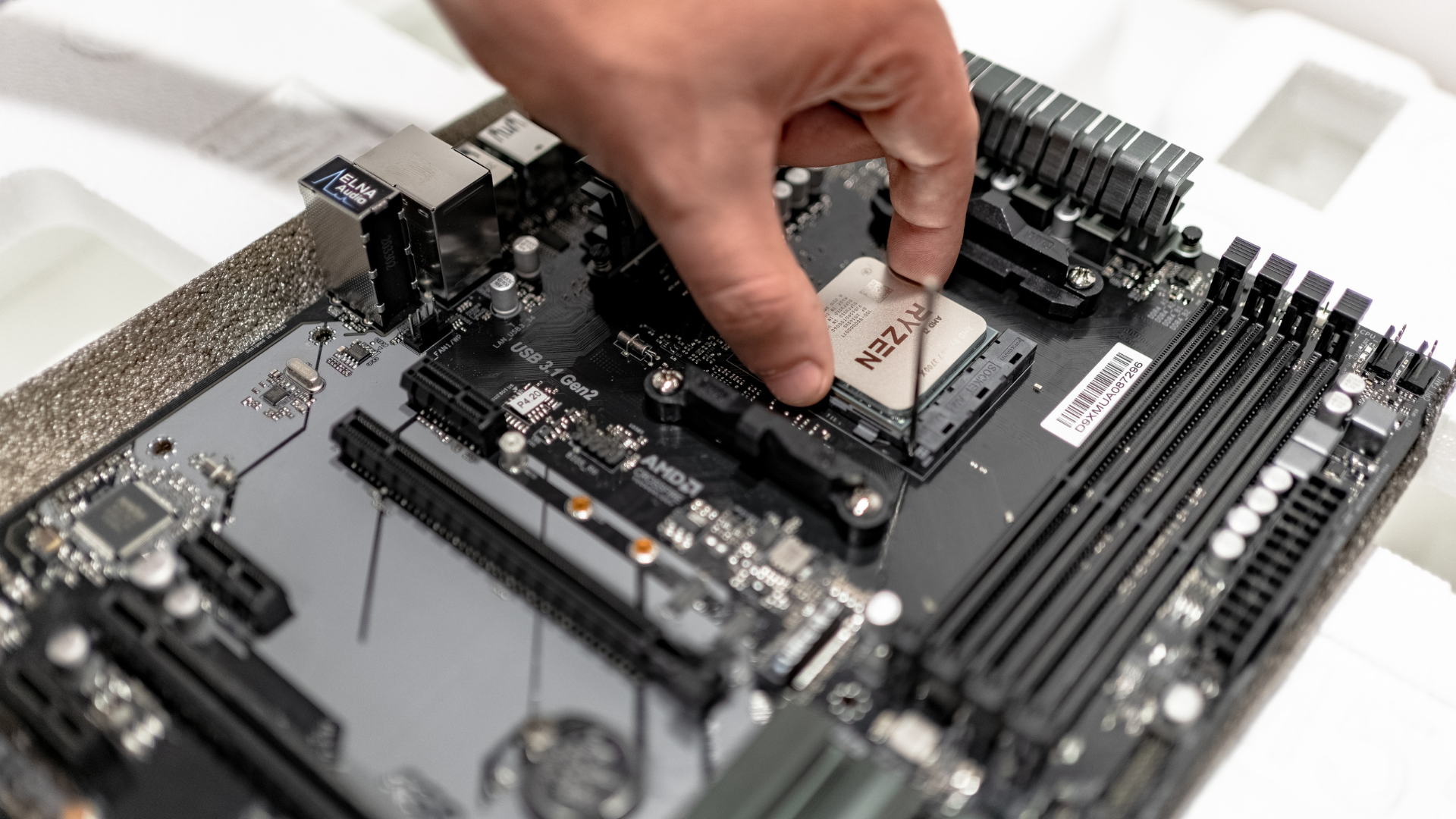
Most gaming PC builders should spend roughly 15–25% of the hardware budget on the CPU itself, but the correct amount depends on the GPU, resolution, refresh rate, and total platform cost. In a mainstream build, a capable current six-core processor usually provides better value than a premium CPU that forces a major graphics-card downgrade.
The CPU price cannot be evaluated alone. A new socket may require a motherboard, DDR5 memory, and a cooler, while a drop-in upgrade may reuse everything else. Budget for the complete platform before deciding that one processor is cheaper.
Quick Gaming CPU Budget Guidelines
| Total Hardware Budget | Typical CPU Range | Primary Goal |
|---|---|---|
| $500–$700 | About $80–$150 | Protect the GPU budget and use a proven value platform |
| $800–$1,100 | About $130–$220 | Modern six-core performance and a balanced GPU |
| $1,200–$1,700 | About $180–$350 | Fast six- or eight-core CPU for 1440p/high refresh |
| $1,800–$2,500 | About $280–$500 | High-end gaming CPU or mixed-workload processor |
| $2,500+ | About $400+ | Flagship GPU support or serious productivity needs |
These ranges are planning tools, not price requirements. Sales and platform bundles can move the best-value CPU into a different band.
Calculate Total Platform Cost
Add the CPU, motherboard, memory, cooler, and any PSU or case change required. A $180 processor that needs a $180 board, $90 memory kit, and $40 cooler is a $490 platform decision. A $230 drop-in CPU that works with your existing board and RAM costs $230.
Motherboard features can also affect the value. Paying for extra PCIe slots, high-end power delivery, or extensive connectivity makes sense only when you will use them. Our broader guide on choosing parts for a gaming PC can help balance the complete list.
Spend More on the GPU in Most Gaming Builds
At 1440p and 4K, the graphics card commonly determines visual settings and average FPS. A premium CPU paired with an entry-level GPU is rarely the best gaming allocation.
The GPU does not always need to cost twice as much as the CPU, but it should normally receive the larger portion of a gaming-first budget. Read our companion guide on setting a graphics-card budget before finalizing the CPU.
Resolution and Refresh Rate Change the Answer
A 4K 60Hz build can use a mainstream CPU and devote more money to the GPU. A 1080p 240Hz competitive build can justify a high-end gaming processor because the CPU must prepare hundreds of frames per second.
1440p sits between those extremes. A modern six-core is enough for many 60–144Hz systems, while a fast eight-core or cache-focused gaming CPU can improve high-refresh performance and 1% lows. See whether a six-core CPU is enough for your 1440p workload.
Competitive Games Versus AAA Games
Competitive players often reduce visual settings to increase frame rate and visibility. That reduces GPU work and makes CPU performance more important. Cache, memory latency, and per-core speed can affect consistency.
AAA single-player games at high resolution and detail tend to emphasize GPU performance. The CPU still matters for simulation, NPCs, and frame pacing, but a midrange current processor often keeps up with a suitable GPU.
Build around the games you play most, not a blended benchmark score that weights unrelated workloads.
Gaming-Only Versus Mixed Workloads
Gaming-only buyers can prioritize frame rate and value. A six- or eight-core CPU with strong gaming performance is usually enough.
Streaming with a GPU encoder adds relatively modest CPU demand, but video editing, rendering, software development, virtual machines, and CPU encoding can benefit from more cores. If those workloads produce income or save meaningful time, a more expensive processor can be justified even when gaming performance changes little.
Separate “I sometimes edit a clip” from “I render video every day.” The second workload has a measurable productivity value; the first may not justify a workstation-tier CPU.
When a Premium Gaming CPU Makes Sense
- You use a high-end or flagship graphics card.
- You target 240Hz or higher in CPU-sensitive games.
- You care about the strongest attainable 1% lows.
- Your favorite games benefit substantially from large cache.
- You plan a later GPU upgrade and want CPU headroom.
- The rest of the build is already balanced and reliable.
Cache-focused processors can be excellent gaming choices, but cache capacity is not the only specification. Our explainer covers how CPU cache affects gaming.
When a $300 CPU Is Overkill
A $300 processor is probably overkill when the GPU is entry-level, the monitor is 60Hz, the games are GPU-limited, or the build sacrifices memory, storage, PSU quality, and cooling to afford it.
It can also be unnecessary in an upgrade when the current CPU already meets the frame-rate target. Measure CPU/GPU utilization and frame times before replacing a functioning platform.
Example Balanced Budgets
| Build Type | CPU Strategy | Where Extra Money Goes |
|---|---|---|
| Budget 1080p | Affordable modern or proven older-platform six-core | Dedicated GPU and 16GB dual-channel RAM |
| Mainstream 1440p | Current six-core or value eight-core | Upper-mainstream GPU and 1TB SSD |
| Competitive 240Hz | High-performing gaming CPU | GPU capable of the selected settings and strong memory |
| Gaming plus production | Eight- to sixteen-core CPU based on workload | 32GB+ RAM and fast, expandable storage |
How to Make the Final Decision
- Set the total hardware budget.
- Choose the monitor resolution and refresh target.
- Select a GPU tier for the games and settings you use.
- Identify the lowest CPU tier that meets the frame-rate target.
- Add motherboard, memory, cooler, and PSU costs.
- Compare two complete builds rather than two CPU prices.
- Check current pricing in our best CPUs for gaming guide.
Frequently Asked Questions
What percentage of a gaming PC budget should go to the CPU?
About 15–25% is a useful starting range for the CPU alone. Low-budget builds may spend less to protect the GPU budget, while high-refresh or mixed-workload systems may spend more.
Is a $300 CPU overkill?
It can be for a mainstream GPU or 60Hz target. It is reasonable with a powerful GPU, high-refresh competitive goal, cache-sensitive games, or frequent productivity workloads.
Should the GPU cost more than the CPU?
Usually in a gaming-first build, yes. The exact ratio varies, but a stronger GPU commonly provides a larger improvement at 1440p and 4K.
Should I buy a cheaper CPU and upgrade later?
That can be smart on a platform with a useful upgrade path. Include the cost of the future CPU and avoid buying a placeholder so weak that it undermines the current GPU.
Bottom Line
Spend enough on the CPU to meet your frame-rate target, then protect the graphics-card budget. For most mainstream gaming builds, that means a modern six-core or value eight-core processor rather than the most expensive chip available.
Compare total platform cost and complete-build performance. The right CPU budget is the one that produces the best whole PC—not the most impressive processor name.
