
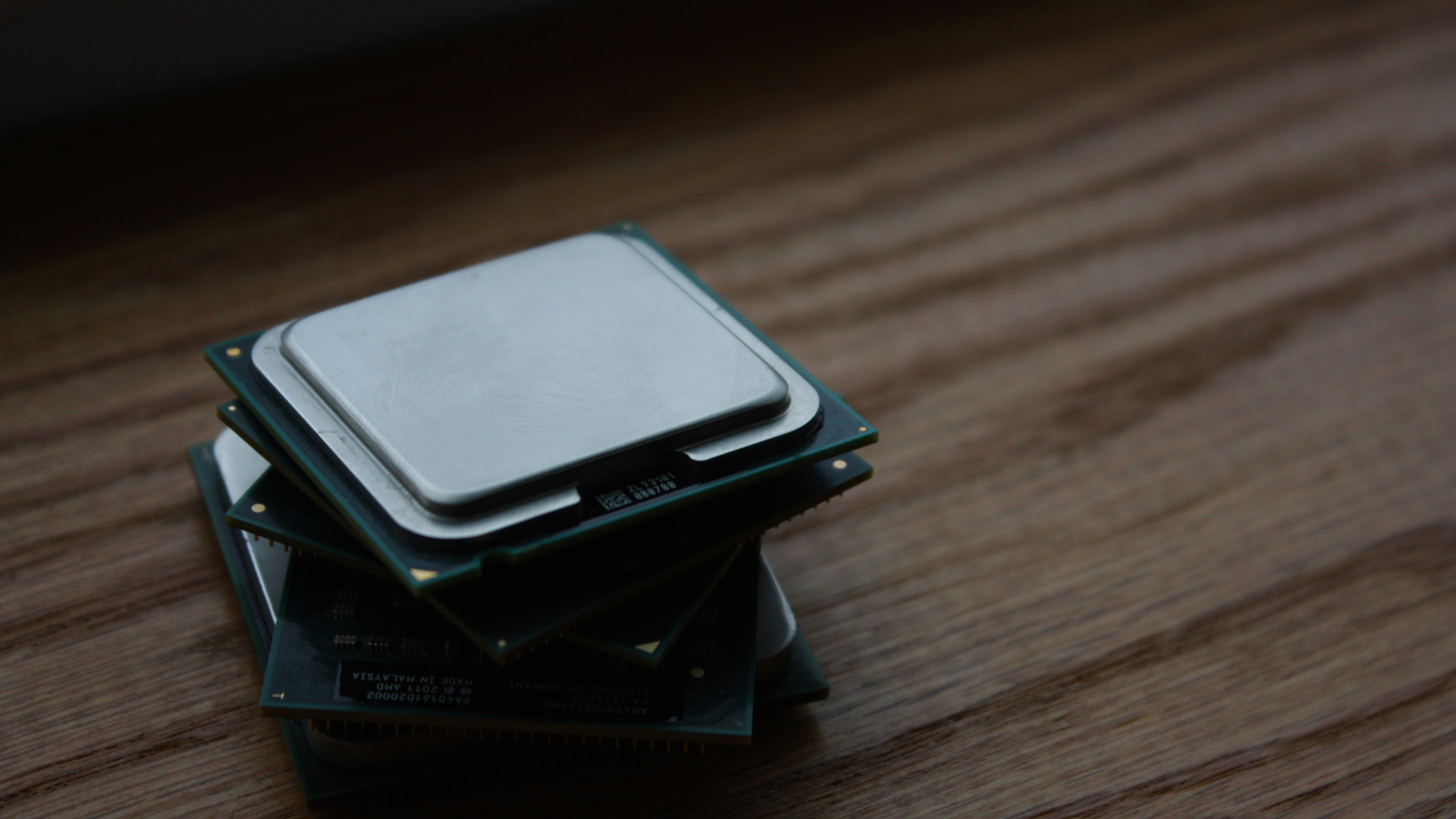
To choose a CPU for 1440p gaming, start with your target frame rate and graphics card—not the resolution alone. A modern six-core processor is enough for many 1440p 60–144Hz systems, while competitive 240Hz gaming and a flagship GPU can justify a faster eight-core gaming CPU.
Higher resolution usually shifts more work to the graphics card, but it does not make the CPU irrelevant. The processor still prepares game logic, draw calls, physics, animation, audio, networking, and background tasks. If it cannot produce frames quickly and consistently, lowering graphical settings will not solve the limit.
Choose the Refresh-Rate Target First
| 1440p Target | CPU Priority | Practical Starting Point |
|---|---|---|
| 60–90 FPS AAA gaming | Moderate | Recent six-core CPU; devote more budget to the GPU |
| 120–165 FPS mixed gaming | Moderate to high | Fast modern six-core or eight-core CPU |
| 240Hz competitive gaming | High | High-end gaming CPU with strong 1% lows |
| Gaming plus streaming/editing | Workload dependent | Eight cores or more when productivity is frequent |
A 1440p 60Hz monitor does not require the same CPU as a 1440p 240Hz display. The CPU must produce the target number of frames before the GPU can render them. Choose enough processor performance for your intended ceiling, then spend the remaining budget on the GPU.
Understand How 1440p Changes the Balance
Moving from 1080p to 1440p increases the number of pixels the graphics card renders. If the settings and frame-rate target stay the same, GPU load rises and differences between CPUs often shrink.
That statement is not universal. A competitive player may lower visual settings to chase 200–300 FPS, which reduces GPU load and exposes the CPU limit again. Simulation, strategy, MMO, and large multiplayer games can also remain CPU-heavy regardless of resolution.
This is why “1440p is always GPU-bound” is an unsafe buying rule. Use benchmarks that match the game, GPU tier, settings, and frame-rate target you plan to use.
Match the CPU to the Type of Game
Esports titles often reward high per-core performance, low memory latency, and strong frame-time consistency. The average frame rate can be extremely high, making the CPU responsible for preparing a new frame every few milliseconds.
Graphically demanding single-player games at High or Ultra settings place more work on the GPU. A mainstream processor can often keep up while a stronger graphics card produces the more visible improvement.
Simulation games, strategy games, MMOs, and poorly threaded engines can stress one or a few cores. Large battles, crowded cities, and complex worlds may reveal a CPU limitation even when average performance elsewhere looks excellent.
Compare 1% Lows as Well as Average FPS
Average FPS describes overall throughput. It can hide short slow frames that feel like stutter. The 1% low summarizes the slowest portion of measured frames and provides another view of consistency.
A faster CPU can improve average FPS, 1% lows, or both when the processor is the limit. Cache, memory performance, background processes, and game-engine behavior also affect the result. See our explanation of how a faster CPU affects 1% lows before choosing solely from an average-FPS chart.
CPU Tiers for 1440p Gaming
Value Tier: Modern Six-Core CPUs
A current six-core, twelve-thread processor is a strong choice for a budget or midrange 1440p system. It leaves more money for the graphics card and can handle modern games, voice chat, browsers, and normal background applications.
Generation matters. A fast current six-core is not equivalent to an early six-core design with weaker per-core performance and an older memory platform. Our detailed guide asks whether six-core CPUs are enough for 1440p gaming.
Performance Tier: Fast Eight-Core CPUs
Eight cores provide additional headroom for CPU-heavy games, high-refresh play, streaming, and productivity. Gaming-focused processors with large cache can produce especially strong results in cache-sensitive titles.
This tier makes sense with an upper-midrange or high-end GPU, or when the monitor refresh rate makes frame-time consistency a priority.
Enthusiast Tier: High-End Gaming and Productivity CPUs
Premium gaming CPUs are justified when you pair them with a flagship GPU, chase very high frame rates, or want the fastest possible 1% lows. High-core-count workstation-oriented chips make more sense when rendering, encoding, compiling, or other professional workloads are also important.
For gaming alone, more cores beyond the useful range do not guarantee more FPS. Architecture, cache, clock behavior, and game scheduling matter.
Use a CPU/GPU Pairing Matrix
| GPU Class | 1440p 60–144Hz | 1440p 165–240Hz |
|---|---|---|
| Mainstream GPU | Recent six-core CPU | Fast six-core; verify game-specific limits |
| Upper-midrange GPU | Fast six-core or eight-core | Strong eight-core gaming CPU |
| High-end GPU | Fast six-core can work; eight-core preferred | High-end gaming CPU |
| Flagship GPU | Strong eight-core recommended | Top-tier gaming CPU to protect high-FPS performance |
This matrix is not a “zero bottleneck” promise. Every PC has a limiting component, and the limit changes by game and setting. It is a budget-allocation guide.
Start by choosing among the best graphics cards for your 1440p target, then select a CPU that will not meaningfully restrict it in your most important games.
Include the Platform Cost
The processor price is only part of the decision. Add the motherboard, memory, cooler, and any power-supply changes. An inexpensive CPU on a costly platform may provide worse total value than a slightly more expensive chip that works with affordable boards.
Check socket longevity and upgrade options. A platform with a useful future CPU path can reduce the cost of a later upgrade. A mature platform may offer cheaper boards and memory but little room beyond the processor you buy now.
Use our guide to how to choose a CPU for socket, cooler, firmware, and motherboard compatibility details.
Avoid Overspending
If moving from a $200 CPU to a $400 CPU forces you to buy a much weaker graphics card, the expensive CPU will often reduce 1440p gaming performance. Set the complete build budget before selecting a processor.
Premium CPUs make sense when the GPU is already appropriate, the monitor can display the extra frames, and your games are CPU sensitive. Otherwise, save the money or spend it on the GPU, monitor, storage, cooling, or power supply.
Our article on setting a gaming CPU budget provides example allocations across build prices.
Frequently Asked Questions
Does 1440p need a high-end CPU?
No. A recent mainstream six-core can support many 1440p systems. A high-end CPU becomes more useful with a powerful GPU, CPU-heavy games, or a 165–240Hz target.
Is six cores enough for 1440p?
Yes for most gaming-focused builds when the six-core CPU is modern and fast. Streaming, productivity, heavy background workloads, and very high refresh rates can justify eight or more cores.
Which matters more at 1440p: CPU or GPU?
The GPU usually has the larger effect on visual settings and average performance, but the CPU establishes the maximum frame rate and can affect 1% lows. The balance depends on the game and target.
Should I choose the CPU or GPU first?
For a gaming-first 1440p build, define the monitor and game target, select a GPU tier, then choose enough CPU performance to support it. See our companion guide to choosing a GPU for 1440p 144Hz.
Bottom Line
Choose a 1440p gaming CPU by refresh rate, GPU class, game type, and total platform cost. A modern six-core is the value choice for many systems, a fast eight-core adds high-refresh and multitasking headroom, and a premium gaming CPU is best reserved for powerful GPUs and demanding frame-rate targets.
Compare complete-system benchmarks and 1% lows rather than chasing core count or a generic bottleneck percentage. You can then shortlist the current best CPUs for gaming within the tier that fits your build.
