
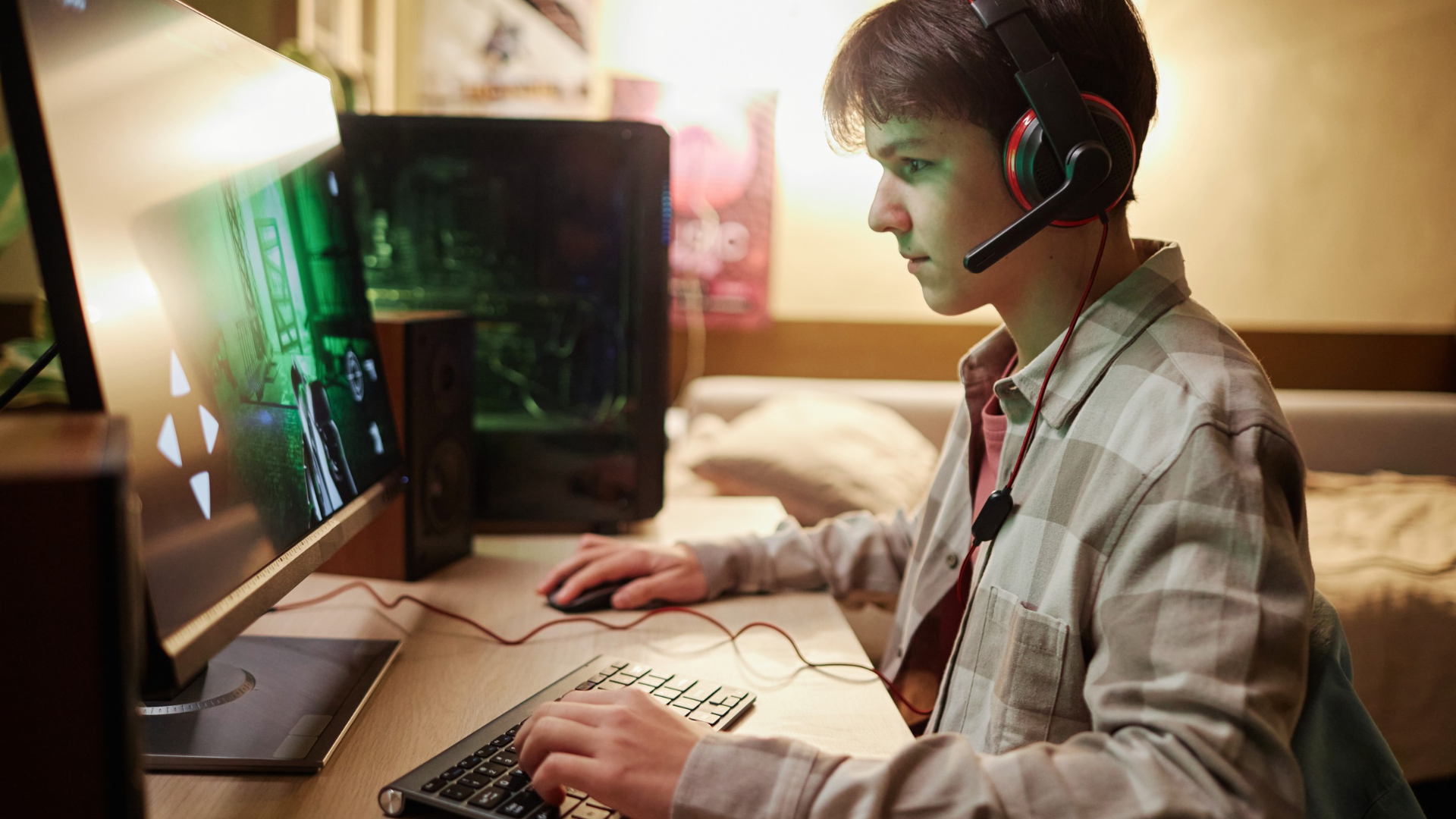
Most people think about the cost of a gaming PC exactly once: on the day they buy it. They compare parts, track prices and feel a small sense of victory when the total comes in under budget. After that, it feels as if the spending has stopped. It hasn’t.
A gaming PC keeps costing money for as long as you own it. Some of those costs show up on a receipt. Others hide in your power bill, in your monthly card statement, or in the slow loss of value of the parts under your desk. None of them seem like much on their own, but over a full year they add up to a figure that looks very different from the checkout total. This guide breaks that yearly cost into its real parts, so you can see what the hobby actually asks of your wallet.
The Upfront Build Is Only the Down Payment
The purchase price is the largest single cost, so it’s the natural place to start. The key is to stop seeing it as a one-time expense and start seeing it as something you pay off over the life of the machine.
Spreading Hardware Cost Across Its Useful Life
A mid-range gaming PC that costs $1,500 and stays useful for five years works out to about $300 a year. Keep it for six years and the yearly cost drops to $250. Replace it after three, and you’re paying $500 a year for the same machine.
That’s why lifespan matters as much as price. A cheaper build that starts to feel slow after two years can end up costing more per year than a pricier one that lasts five.
Resale Value Softens the Blow
Old parts are rarely worthless. Graphics cards in particular tend to hold their value, and selling one when you upgrade can recover a good share of what you paid. If your old GPU sells for $200, that money comes straight off your yearly hardware cost. It’s worth keeping a rough idea of what your parts could fetch, because resale is the one line in this budget that works in your favor.
Electricity: The Bill That Grows Quietly
Hardware is the cost you notice right away. Electricity is the one you pay gradually, spread thinly across months of utility bills.
Running the Numbers on Power Draw
A gaming PC with a modern graphics card can draw around 400 watts under load. If you play for three hours a day, that’s about 1.2 kilowatt-hours daily, or roughly 440 kilowatt-hours a year. At the average U.S. residential rate reported in the EIA’s Electric Power Monthly, which has hovered around 17 cents per kilowatt-hour, gaming alone comes to about $75 a year.
That number can climb quickly. High-end cards use more power, long weekend sessions add up, and a PC left idling or downloading overnight still draws electricity. To estimate your own setup, the U.S. Department of Energy explains a simple way of estimating appliance and electronics energy use, and it works just as well for a gaming rig. For most players, a realistic yearly power cost falls somewhere between $60 and $150.
Games, Subscriptions and the Slow Drip of Small Charges
Electricity is at least steady and predictable. Software spending is neither, and it’s where many budgets quietly fall apart, because each purchase feels small at the time.
Full-Price Releases vs. Waiting for Sales
New releases often cost $60 to $70. Buy six a year at full price and you’ve spent around $400 before a single sale. Players who wait a few months for discounts can often pick up the same games for half that or less. Over a year, the difference between those two habits can easily reach $200.
Subscription Stacking
Subscriptions are harder to keep track of because they renew automatically. A game library service, a premium chat plan, extra cloud storage and an in-game battle pass might each cost between $5 and $17 a month. Together, they can pass $300 a year. No single one feels expensive, but the combined total certainly does.
One simple habit helps. Once a quarter, go through your card statement and list every recurring gaming charge. If you haven’t used a service in the past month, cancel it. You can always sign up again later.
Peripherals, Repairs and Mid-Cycle Upgrades
Beyond the PC itself, there’s the gear around it, and each piece wears out on its own schedule.
Wear Parts You Will Replace
Mouse buttons stop clicking cleanly. Keyboard switches lose their feel. Headset cushions crack, and cables fray. Spread over a few years, replacing these items can cost $80 to $150 a year. Then there are the small extras, like thermal paste, a new case fan or compressed air for cleaning. Each costs little on its own, but they still belong in the budget.
The Upgrade Itch
Few gamers leave a build untouched for five years. Most add storage, more RAM or a faster graphics card somewhere along the way. A $400 GPU upgrade in year three adds about $130 a year when spread across the life of the machine. Since it almost always happens, it’s better to plan for it from the start.
Adding It All Up: A Sample Annual Budget
Put all of this together, and a typical mid-range setup might cost the following in a single year:
- Hardware, spread over five years: about $300
- Electricity: $60 to $150
- Games: $150 to $400
- Subscriptions: $100 to $300
- Peripherals and maintenance: $80 to $150
- Mid-cycle upgrades: around $130
That brings the true yearly cost to somewhere between about $820 and $1,430. For many players, that’s two or three times what they would have guessed. These numbers aren’t a reason to give up the hobby. They’re a reason to plan for it.
Why Good Financial Guidance Matters for a Hobby Budget
Knowing the real number only helps if you act on it, and that’s where sound financial advice proves its worth, even for something as personal as gaming.
Your gaming budget doesn’t exist in isolation. It competes with rent, savings goals, debt payments and everything else your income has to cover. Spending $1,000 a year on gaming is perfectly reasonable for one person and a real strain for another. What matters is how it fits into your overall finances, and that can be hard to judge when a new graphics card has just launched and everyone is talking about it.
Good guidance can help you set a gaming budget that suits your income, decide whether to save for an upgrade or spread the cost, and notice when small subscriptions are eating into bigger goals. It can also help with the question every builder eventually faces: buy now, or wait? This kind of help doesn’t have to be expensive. An AI financial advisor can review your spending with you, help you build a savings plan for your next PC, and show how your hobby costs affect your long-term goals, all at your own pace.
The goal isn’t to take the fun out of gaming. It’s to make sure you’re paying for that fun on purpose rather than by accident.
Conclusion
A gaming PC is less a single purchase than an ongoing commitment, and its true cost only becomes clear once every part of it is counted. Hardware, electricity, software, gear and upgrades each add their share, and together they make up a yearly figure worth knowing. Once you can see that number clearly, gaming stops being a hobby that quietly drains your money and becomes one you can enjoy with confidence, because you’ve planned for it.
