
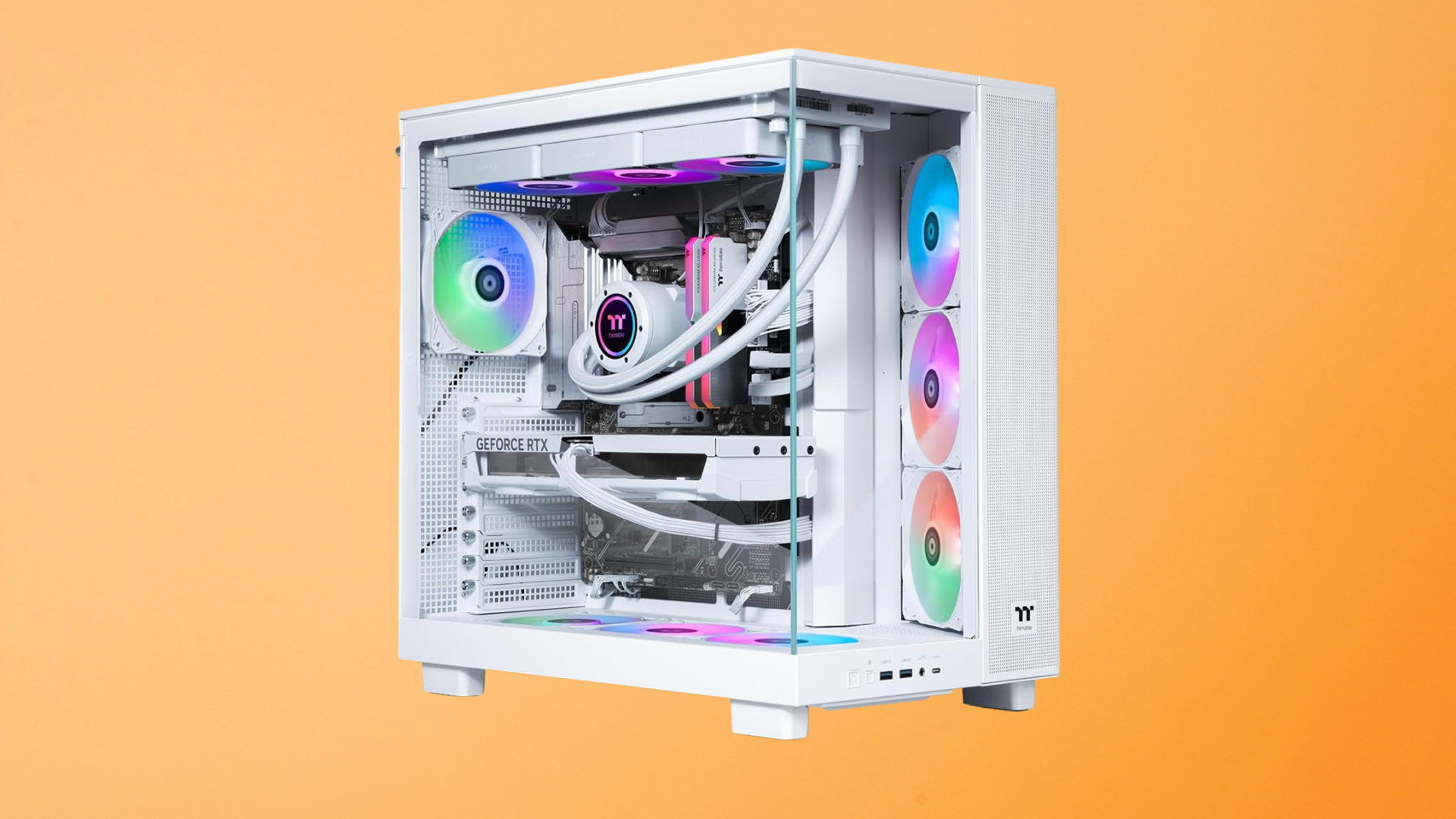
A well-chosen $1,000 gaming PC should remain a useful gaming system for roughly three to five years without a major upgrade, and the computer itself can continue working much longer than that.
That estimate is intentionally broad. A player who wants 240 FPS in every new competitive game has a different definition of “lasting” than someone who is happy with 60 FPS and medium-to-high settings. A 1080p system also has an easier job than one connected to a 4K monitor.
The physical life of the hardware and its useful gaming life are not the same thing. A graphics card may continue working for eight years but stop meeting your performance expectations after four. Meanwhile, storage, memory, and the power supply may remain perfectly adequate through a GPU upgrade.
The Short Answer
| Definition of “Last” | Reasonable Expectation |
|---|---|
| Runs current games well with little adjustment | About 3–5 years |
| Remains usable after lowering settings or resolution | About 5–7 years |
| Physical operating life with maintenance and repairs | Potentially 7–10 years or more |
These are not expiration dates. A part can fail early, and a carefully maintained PC can exceed them. The more useful question is what experience you expect over time and which compromises you are willing to make.
Your Performance Target Determines the Lifespan
A gaming PC does not become obsolete overnight. Its effective lifespan shrinks gradually as new games demand more processing power, video memory, system memory, and storage.
If you start with a $1,000 PC for 1080p gaming at 60–144 FPS, you have room to lower a few settings while keeping the same resolution and a smooth frame rate. If you buy it to run a 1440p ultrawide display at maximum settings, you begin much closer to the hardware’s limit.
Competitive games can be relatively easy on the GPU when you use low settings, but high-refresh play can put more pressure on the CPU. Large single-player games tend to push visual quality, VRAM capacity, and storage harder. Simulation and strategy games can become CPU-limited even when the graphics card has performance to spare.
Before you buy, define a realistic target. Our guide to the FPS a $1,000 gaming PC should get can help you match the system to your monitor rather than relying on a generic lifespan claim.
The Graphics Card Usually Ages First
In a balanced gaming PC, the graphics card is usually the first major component that players want to replace. New games introduce more detailed assets, heavier lighting, more complex effects, and higher VRAM requirements. At the same time, monitor upgrades can increase the resolution the GPU must render.
You can extend the card’s useful life by moving from Ultra to High settings, disabling expensive ray-tracing effects, and using a quality upscaling mode. These changes often produce a large performance improvement without making the game look dramatically worse.
VRAM capacity can become a limitation before the GPU is too slow in every other respect. Reducing texture quality, texture-pool size, or resolution can help when a game exceeds the card’s available memory. See our guide on how much VRAM gaming requires if longevity is a priority.
A system with a standard power supply and enough case clearance is easier to refresh with a new graphics card. If the PSU is proprietary or the case accepts only short, low-power GPUs, the machine may reach the end of its practical gaming life sooner.
How Long Will the Processor Last?
A good mainstream processor often remains useful through at least one graphics-card upgrade. Modern games can use more cores than older titles, but core count is not the only factor. Per-core performance, cache, memory speed, and the game’s engine all affect CPU performance.
A recent six-core, twelve-thread CPU is a sensible starting point for a $1,000 gaming machine. An eight-core processor can offer extra room for streaming, productivity work, and future background tasks, but it should not come at the cost of a dramatically weaker GPU in a gaming-first build.
The CPU becomes a reason to replace the platform when it cannot maintain the frame rate you want, even after lowering GPU-heavy settings. You may notice low GPU utilization, poor 1% lows, or stutter in CPU-heavy scenes. At that point, a faster graphics card alone may not solve the problem.
Platform support also matters. A motherboard that accepts a meaningfully faster drop-in processor can extend the system’s life. A board with no useful upgrade path may eventually require a new CPU, motherboard, and possibly new memory at the same time.
Memory and Storage Are Easier to Extend
Sixteen gigabytes of dual-channel RAM is still a workable minimum for many gaming systems, but 32GB gives a new PC more breathing room. Memory pressure can show up as stuttering, slow switching between applications, or heavy use of the Windows page file when a game, browser, voice chat, and background tools are open together.
Fortunately, memory is often inexpensive and easy to replace. A prebuilt with standard DIMM slots can move from 16GB to 32GB without changing the rest of the system. This upgrade does not make every game faster, but it can restore smoothness when capacity is the problem.
Storage capacity may feel outdated before SSD performance does. A 1TB drive can fill quickly as game installations grow, but adding a second NVMe or SATA SSD is straightforward when the motherboard and case provide the necessary connection.
That is why a good $1,000 gaming PC specification should include both a practical starting capacity and accessible expansion options.
Which Components Are Most Likely to Wear Out?
Solid-state electronics have no simple countdown timer, but components with moving parts or heavy electrical stress deserve attention.
- Fans: Case, CPU-cooler, and GPU fans use bearings that can wear out. Clicking, grinding, or intermittent spinning is a warning sign.
- Liquid coolers: An all-in-one cooler has a pump and liquid loop. Pump failure or gradual performance loss can require replacement even while the CPU remains fine.
- Power supplies: A quality PSU can last through multiple builds, but heat, component quality, and load affect longevity. Replace a failing or inappropriate PSU; do not wait for instability to get worse.
- SSDs: Flash memory has a finite write endurance, but normal gaming use usually stays well within the rated life of a reputable drive. Keep backups because any drive can fail.
- Mechanical hard drives: If the system uses one for bulk storage, its motor and moving heads introduce additional wear.
- Thermal interface material: Thermal paste can dry or pump out over long periods. Rising temperatures after cleaning may indicate that it needs to be replaced.
The processor and memory commonly outlast their period of competitive relevance. They may be too slow for your future goal long before they physically stop working.
How Maintenance Affects Gaming PC Lifespan
Heat does not instantly destroy a modern PC; processors and graphics cards have protection mechanisms that reduce performance or shut down the system. Still, consistently high temperatures can increase fan wear, noise, and electrical stress.
Keep the PC on a hard surface with space around its intake and exhaust vents. A tower placed directly on thick carpet can restrict a bottom power-supply intake and collect dust more quickly. Avoid enclosing it in a desk cabinet unless that cabinet has strong ventilation.
Inspect dust filters every few months. The ideal cleaning interval depends on pets, smoking, flooring, local dust, and how many hours the computer runs. Use compressed air or an electric duster carefully, hold fans in place so they do not overspin, and clean the system while it is powered off and unplugged.
Monitor temperatures after major software changes and periodically thereafter. A sudden increase can indicate a stopped fan, shifted cooler, blocked filter, or aggressive background process. Also keep graphics drivers and the operating system current, but avoid treating every optional BIOS update as mandatory when the PC is stable.
When Should You Upgrade Instead of Replace?
An upgrade makes sense when one component is clearly limiting an otherwise adequate system. Common examples include adding storage, moving from single-channel to dual-channel memory, increasing RAM capacity, or installing a faster GPU that the case and PSU can support.
Replacing the entire PC makes more sense when several limitations arrive together. If a desired GPU requires a new power supply, the CPU is already too slow, the motherboard has no worthwhile processor path, and the proprietary case restricts airflow, four coordinated upgrades may cost more time and money than a new system.
Our step-by-step guide to upgrading a prebuilt gaming PC explains how to verify compatibility before you order parts.
How to Make a $1,000 Gaming PC Last Longer
- Buy a balanced system. Do not accept a weak GPU just to get an unnecessarily high-tier CPU.
- Favor standard components. Standard power, motherboard, and case formats give you more repair and upgrade choices.
- Start with dual-channel memory. Avoid paying for performance that a poor RAM configuration leaves unused.
- Choose useful storage capacity. A 1TB SSD is a more durable starting point than 500GB.
- Keep airflow unobstructed. Clean filters and leave space around vents.
- Use optimized settings. High often looks nearly as good as Ultra and can run much faster.
- Upgrade for a measured bottleneck. Use monitoring and game-specific benchmarks instead of guessing.
- Keep backups. Hardware longevity does not protect files from a sudden drive failure, corruption, theft, or accident.
Frequently Asked Questions
Can a gaming PC last 10 years?
Yes, a gaming PC can remain operational for ten years, especially with maintenance and replacement of failed fans or storage. It is unlikely to deliver the same relative gaming performance for the entire period. Expect to lower settings and consider one or more major upgrades.
Is a $1,000 PC future-proof?
No PC is fully future-proof. You can improve longevity by choosing a balanced CPU and GPU, adequate VRAM and system memory, standard parts, a trustworthy PSU, and an upgrade-friendly platform. Future games and your own performance expectations will still change.
How often should I replace my gaming PC?
Replace it when the total cost of the upgrades needed to meet your goals no longer makes sense. Many owners can use the same core system for five years or longer by adjusting settings and making one targeted upgrade.
Will a more expensive PC last longer?
Often, but not in direct proportion to price. A faster GPU and stronger CPU provide more performance headroom, while a better PSU and cooling system may improve serviceability. However, premium appearance, extreme core counts, or unnecessary features do not automatically extend useful gaming life.
How do I know what is making my PC feel old?
Compare CPU and GPU utilization, temperatures, memory use, VRAM use, and frame-time behavior in the games that feel slow. A full SSD, background software, thermal throttling, or single-channel memory can imitate an aging-hardware problem without requiring a new computer.
Bottom Line
A balanced $1,000 gaming PC should provide about three to five years of strong gaming service, with more years available if you accept lower settings or make a targeted upgrade. The system’s physical hardware can last significantly longer.
Buy for the resolution and frame rate you actually use, favor standard components, keep the system clean, and upgrade only after identifying the bottleneck. Those choices matter more to longevity than any “future-proof” label on a product page.
