
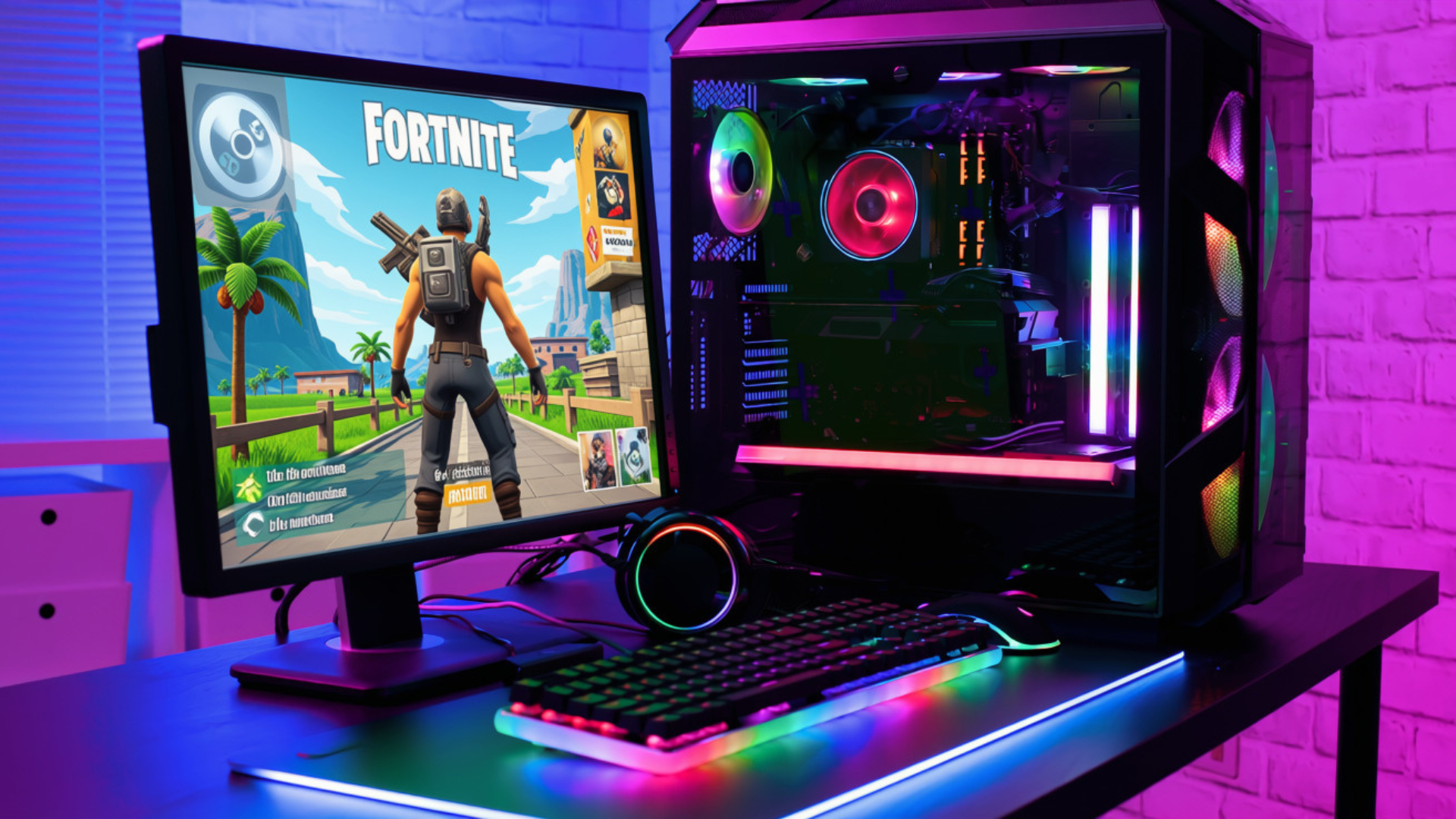
The best prebuilt gaming PC for Fortnite under $1,000 is a balanced system with a recent six-core CPU, a modern dedicated graphics card, 16GB or 32GB of dual-channel memory, a 1TB SSD, and enough cooling to sustain high frame rates. The exact configuration depends on whether you play in Performance Mode, use the DirectX 12 renderer with higher visual settings, or want to stream at the same time.
Fortnite can run on modest hardware, but a PC that merely launches the game is not the same as one that maintains smooth frame times during a crowded endgame. Start with your monitor’s resolution and refresh rate, then choose the CPU/GPU balance that supports that target.
Quick Configuration Recommendations
| Fortnite Goal | Recommended Configuration | Priority |
|---|---|---|
| 1080p 144Hz, Performance Mode | Recent 6-core CPU, mainstream GPU, 16GB dual-channel RAM | CPU speed and frame-time consistency |
| 1080p 240Hz competitive | Fast modern CPU, capable GPU, 32GB preferred, strong cooling | CPU, memory configuration, and 1% lows |
| 1080p High/Epic, DX12 | Balanced 6-core CPU and stronger midrange GPU | GPU performance and VRAM |
| 1440p 144Hz | Modern midrange GPU, 6-core-or-better CPU, 32GB preferred | GPU first, then CPU consistency |
| Gaming plus streaming | Hardware video encoder, 32GB preferred, 1TB+ SSD | Encoder support, memory, and storage |
These are configuration tiers rather than promises for one exact model. Fortnite performance changes with game updates, maps, settings, background applications, and the intensity of a match.
Performance Mode Versus DirectX 12
Performance Mode reduces visual complexity to raise frame rates on lower-end hardware and competitive systems. It can shift more of the limitation toward the CPU, especially at 1080p and low settings. That makes fast per-core performance, memory bandwidth, and cooling important for a 240Hz target.
The DirectX 12 renderer with High or Epic settings places more demand on the graphics card. Higher resolution, shadows, effects, view distance, and advanced lighting can make a GPU upgrade more valuable than a small CPU upgrade.
Decide which mode you will actually use. Paying for a large GPU and pairing it with an old processor is wasteful for low-setting competitive play. Buying a fast CPU with a weak GPU is equally limiting if you want detailed 1440p visuals.
CPU Requirements for Fortnite
A recent six-core, twelve-thread processor is a sensible baseline under $1,000. Fortnite can use fewer cores than a heavy rendering workload, but background applications, voice chat, anti-cheat, recording, and streaming all compete for CPU time.
For 144Hz play, a current mainstream CPU is usually enough when paired with a suitable GPU. For 240Hz, prioritize a faster gaming processor and good 1% lows. Our guide to CPUs for 240Hz gaming explains why average FPS is only part of the experience.
Do not judge the processor by “Core i7” or “Ryzen 7” alone. The complete model and generation matter more than the tier name. A newer six-core can outperform an older eight-core in the CPU-limited situations that matter for competitive Fortnite.
GPU Requirements for Fortnite
Fortnite’s GPU demand changes dramatically with the renderer and graphics settings. A mainstream current-generation GPU can be enough for Performance Mode at 1080p, while 1440p Epic settings and advanced lighting need substantially more graphics performance.
At this budget, prioritize a modern GPU with enough VRAM for your chosen resolution and texture settings. Compare the exact model against the best budget graphics cards; do not assume that 8GB or 16GB of VRAM identifies how fast the card is.
Upscaling can improve performance at higher settings, but competitive players often prefer native or less aggressive reconstruction for image clarity. Frame generation raises displayed FPS but also introduces considerations around latency and base frame rate, so it is not a substitute for a system that can already run the game smoothly.
RAM, Storage, and Networking
Sixteen gigabytes of dual-channel memory is the minimum configuration I would accept in a $1,000 Fortnite PC. One 16GB stick can reduce memory bandwidth and hurt CPU-limited performance. Thirty-two gigabytes is preferable for streaming, heavy multitasking, creative tools, and long-term use.
A 1TB NVMe SSD provides practical room for Windows, Fortnite, launchers, recorded clips, and other games. Storage speed does not create higher average FPS, but an SSD improves startup, updates, loading, and general responsiveness.
Use wired Ethernet when possible for the most consistent connection. Wi-Fi performance depends on the router, distance, interference, and antenna placement. A faster gaming PC cannot correct high network latency or packet loss.
Best Type of PC for 1080p 144Hz Fortnite
For 1080p 144Hz, look for a recent six-core CPU and a current mainstream graphics card. This is the easiest target to meet under $1,000 and leaves room for a 1TB SSD, standard PSU, and well-ventilated case.
Avoid spending extra on an unnecessarily large liquid cooler or elaborate RGB system while accepting single-channel memory or a weaker GPU. The baseline in our guide to $1,000 gaming PC spec requirements applies here.
Use Performance Mode for maximum competitive FPS or DX12 High settings for a more detailed image. A 144Hz monitor with adaptive sync is a practical match.
Best Type of PC for 1080p 240Hz Fortnite
A 240Hz target needs stronger CPU performance and consistent frame delivery. Prioritize a recent high-performing gaming CPU, dual-channel memory, and cooling that prevents clock reductions during long sessions.
The GPU still matters—especially when you increase view distance or effects—but lowering settings can expose a CPU limit. Look for independent benchmarks of the complete CPU/GPU combination and check 1% lows, not only an “up to 300 FPS” claim.
If the best CPU available forces the system to use a poor PSU, tiny SSD, or restricted proprietary case, step down one processor tier. A balanced PC is easier to live with and upgrade.
Best Type of PC for 1440p Fortnite
At 1440p, shift more of the budget toward the graphics card. A current midrange GPU with adequate VRAM is more important than buying the highest-tier CPU you can fit under $1,000.
Performance Mode can still produce very high frame rates, but players using High or Epic settings should expect the GPU to become the primary constraint. Use optimized settings rather than assuming every option belongs on Epic.
A strong 1440p configuration can also handle a wider range of AAA games, making it the more versatile choice if Fortnite is not your only title.
Check the Case, PSU, and Upgrade Path
High frame rates create sustained CPU and GPU load. Look for a mesh or well-ventilated intake, multiple case fans, and a normal exhaust path. A system that overheats may become louder and reduce performance over time.
The power supply should be identified and sized for the GPU. Standard motherboard and PSU connections make future upgrades easier. If the listing hides those details, ask the seller before buying.
You can compare a prebuilt with the current $800 gaming PC build to understand how much of the price covers assembly, Windows, support, and warranty.
Recommended Fortnite Settings Strategy
- Set the monitor to its maximum refresh rate in Windows.
- Choose Performance Mode for competitive FPS or DX12 for higher visual quality.
- Start with a preset, then adjust shadows, effects, view distance, and advanced lighting individually.
- Use a frame-rate cap the system can sustain rather than chasing an unstable maximum.
- Enable adaptive sync when supported.
- Monitor CPU/GPU temperatures and utilization during a real match.
- Close unnecessary overlays and background applications.
- Retest after major Fortnite or driver updates.
Frequently Asked Questions
How much FPS can a $1,000 PC get in Fortnite?
A balanced system can exceed 144 FPS in competitive settings and may reach much higher averages, but exact performance depends on the CPU, GPU, mode, resolution, map, and match conditions. Use game-specific benchmarks of the exact configuration.
Is Fortnite more CPU- or GPU-heavy?
It can be either. Performance Mode at 1080p and very high FPS tends to emphasize the CPU. DX12, higher resolution, Epic settings, and advanced lighting place more work on the GPU.
Is 16GB of RAM enough for Fortnite?
Yes, when installed in dual-channel mode and not crowded by heavy background applications. Thirty-two gigabytes is preferable for streaming, editing, and broader long-term use.
Can I stream Fortnite on a PC under $1,000?
Yes, especially when the GPU includes a modern hardware encoder. See our guide to prebuilt streaming PCs under $1,000.
Bottom Line
For Fortnite under $1,000, buy for a specific target. A 1080p 144Hz system needs a balanced recent CPU and GPU. A 240Hz competitive system should prioritize CPU performance, memory configuration, and 1% lows. A 1440p system should devote more of the budget to graphics performance and VRAM.
Ignore vague maximum-FPS advertising. Verify the complete parts list, cooling, PSU, warranty, and upgrade path, then compare benchmarks using the renderer and settings you plan to use.
