
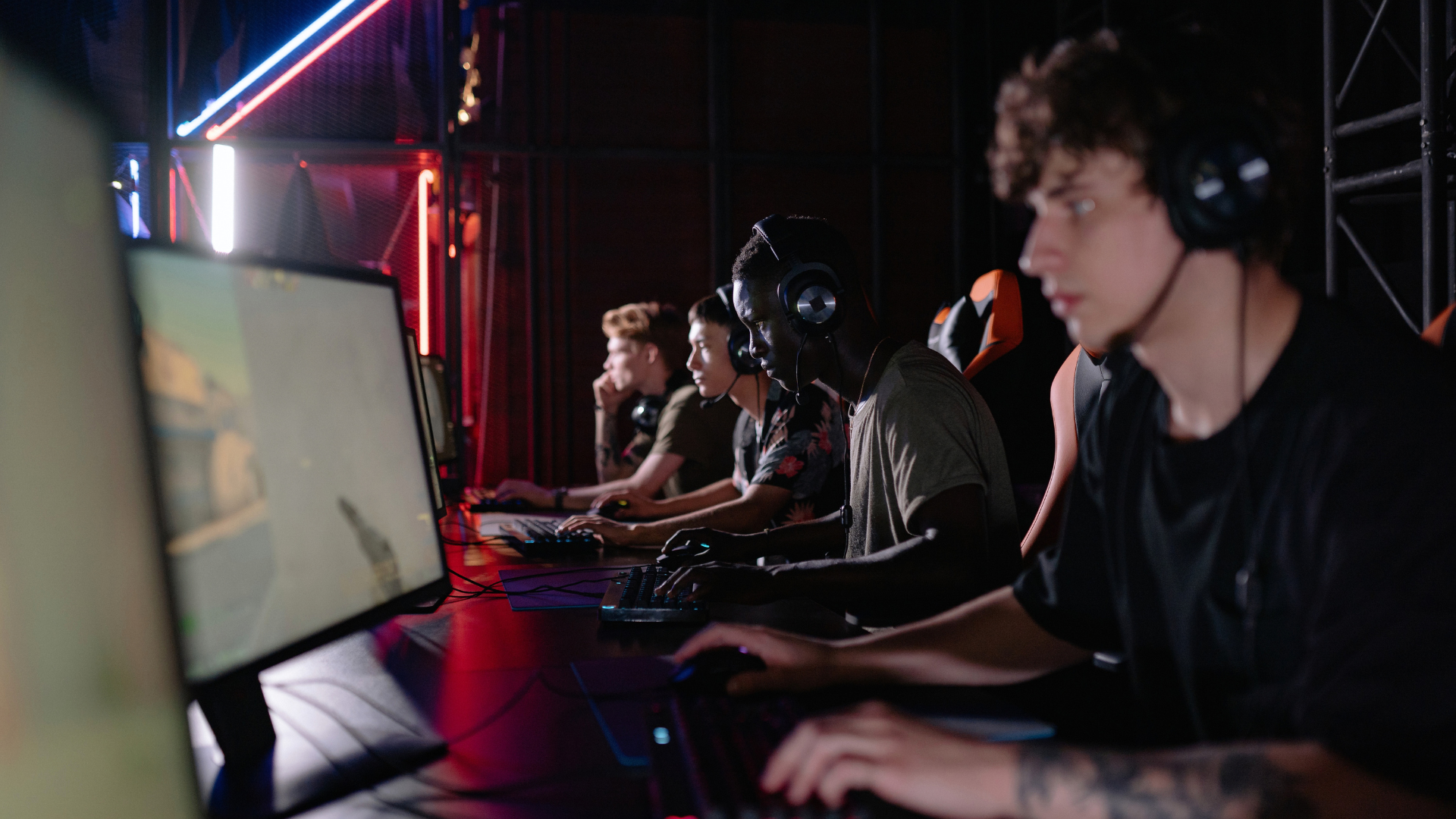
Competitive PC gamers are increasingly utilizing second monitors for real-time match analytics, live data tracking, and companion applications to gain an edge in esports. What started as a niche setup among high-ranked solo queue players has grown into a widespread practice across titles like League of Legends, Counter-Strike 2, and Valorant.
That second screen is also useful beyond playing the game itself. Esports followers can keep a tournament broadcast running on one display while using another to check team statistics, recent results, maps, player performance, and other live information. Mobile devices can serve a similar purpose, allowing viewers to follow changing match data without interrupting the main stream.
As esports analytics have become more accessible, the same information is increasingly appearing on betting platforms. Live statistics, previous team results, match schedules, maps, and changing odds can now be viewed alongside betting markets rather than checked separately across several services. Since there are now dedicated digital esports betting hubs, it has become significantly easier to make informed decisions around competitive outcomes. The second-monitor setup therefore reflects a wider change in esports viewing, where following a match increasingly involves watching both the action and the data developing around it.
What a Second Monitor Actually Shows During a Match
The most common use case for a second monitor in competitive gaming is real-time data overlay through third-party companion software. Programs built specifically for games like League of Legends scan the active match and surface information that the base game either hides or presents in limited form. Enemy summoner spell cooldowns, jungle camp respawn timers, and suggested item builds based on the current matchup all appear on the secondary display without cluttering the main screen.
Stat scouting is another major function. As soon as a match populates, players can view the rank history, win rate, and preferred champions or agents of every opponent in the lobby. This information shapes early game decisions; a player with a high win rate on an aggressive pick signals a different threat level than someone trying a new role. Knowing this before the first minute of play provides a measurable strategic advantage.
Some setups go further by projecting an expanded mini-map onto the second monitor. Standard in-game mini-maps are small, cluttered, and easy to misread during high-pressure moments. A larger, dedicated view on a second screen gives players better situational awareness without forcing their eyes away from the center of the primary display. Teams who practice this setup report faster rotation decisions and fewer positional mistakes during skirmishes.
The Hardware Reality Behind the Setup
Running a second monitor alongside a live competitive match is not without cost. Analytical software adds CPU and GPU overhead, and on mid-range machines, this can translate into minor frame rate drops or occasional micro-stutters. For players competing at 144Hz or higher refresh rates, even a five-frame dip during a team fight can affect reaction timing. The performance hit is usually small, but it is real, and it matters more in fast-paced titles than in slower strategy-oriented ones.
GPU memory bandwidth is the underlying issue. When two displays are active and one is rendering live analytical overlays, the card has to split its attention. High-end graphics cards handle this without issue, but budget builds feel the strain. Players running this setup on older hardware often cap their primary monitor’s frame rate slightly below its maximum to create headroom for the secondary display’s processes.
Beyond raw performance, there is a physical attention cost. Shifting focus from the primary screen to the second display takes a fraction of a second. In a tactical shooter, that moment of redirected attention can be punishing.
Players who benefit most from secondary monitors are those in games where decision-making windows are longer, strategy games, MOBAs, and battle royales, rather than games where reaction speed is the primary differentiator. Knowing when to look and when to ignore the second screen is a skill in itself.
How This Trend Reflects Broader Esports Data Culture
The value of a second monitor becomes clearer when looking at how much information surrounds a competitive match. In League of Legends, players can check champion matchups, item builds, rune choices, recent performance, and broader statistics without repeatedly leaving the game.
In Counter-Strike 2 and Valorant, a separate display can be used for strategy notes, map references, tournament streams, team statistics, or communication tools. The screen is not simply extra desktop space; it keeps useful information visible while the main monitor remains dedicated to play.
This reflects practices that have existed at professional esports teams for years. Coaches and analysts study previous matches, identify repeated strategies, compare map performance, and examine how opponents approach particular situations. What has changed is how easily ordinary players can access similar types of information. Statistical databases, match-history tools, replay analysis, and companion applications have made detailed analysis available without a dedicated coaching or analytics team.
The result is a different approach to improvement. Playing more matches still develops mechanical skill and experience, but players can now investigate why particular situations repeatedly go wrong. A League of Legends player might compare performance across champions or roles, while a Counter-Strike 2 player can review positioning and utility use on specific maps. Valorant players can study agent combinations, map setups, and recurring patterns in their own matches.
Tournament Rules and Where the Line Gets Drawn
Second monitors are completely acceptable in casual play, ranked queues, and online competitions where participants connect from their own machines. The setups are widespread, and most game publishers tolerate or outright permit companion software as long as it does not directly inject data into the game client or automate player inputs. There is a clear distinction between information display and automation; the former is generally allowed, the latter is not.
At professional, in-person LAN events, the situation is entirely different. Tournament organizers strictly ban secondary monitors used for live telemetry or analytical overlays during active matches. Players compete on standardized tournament machines with controlled software environments. This ensures that outcomes reflect individual and team skill rather than technological advantage.
Any external display showing live match data would be considered an unauthorized aid and would result in disqualification. This creates an interesting split in the competitive ecosystem. Players who use second monitors extensively during ranked practice suddenly compete at LAN events without the information layer they have grown accustomed to.
Some argue this creates a disadvantage for heavy users who become dependent on external data. Others see it as part of the skill set; adapting to different information environments is itself a form of competitive preparation that separates disciplined players from those who rely too heavily on supplemental tools.
Building a Practical Second-Monitor Setup for Competitive Play
A functional second-monitor analytics setup does not require significant investment beyond a display. Most companion applications are free or low-cost, and a secondary monitor in the 24-inch range with a basic 60Hz refresh rate is sufficient for displaying static or semi-static analytical data. The second screen does not need high refresh rates because it is not rendering fast-moving game footage; it is showing cooldown timers, stat panels, and map overlays.
Placement matters more than most players expect. Mounting the second monitor directly beside the primary screen at the same height reduces the physical effort of shifting eye focus. Some players position it slightly lower and to the side, treating it more like a reference panel that gets a quick glance rather than sustained attention. Experimenting with angles before settling on a permanent configuration saves adjustment time later.
Software selection depends entirely on the game. Each major competitive title has its own ecosystem of companion tools, and quality varies considerably. Checking community forums and reviewing which tools active high-ranked players use in a specific game is a faster path to a reliable setup than testing tools at random.
The goal is always to surface useful information without adding cognitive load; if the second screen demands too much attention, it becomes a liability rather than an advantage.
