
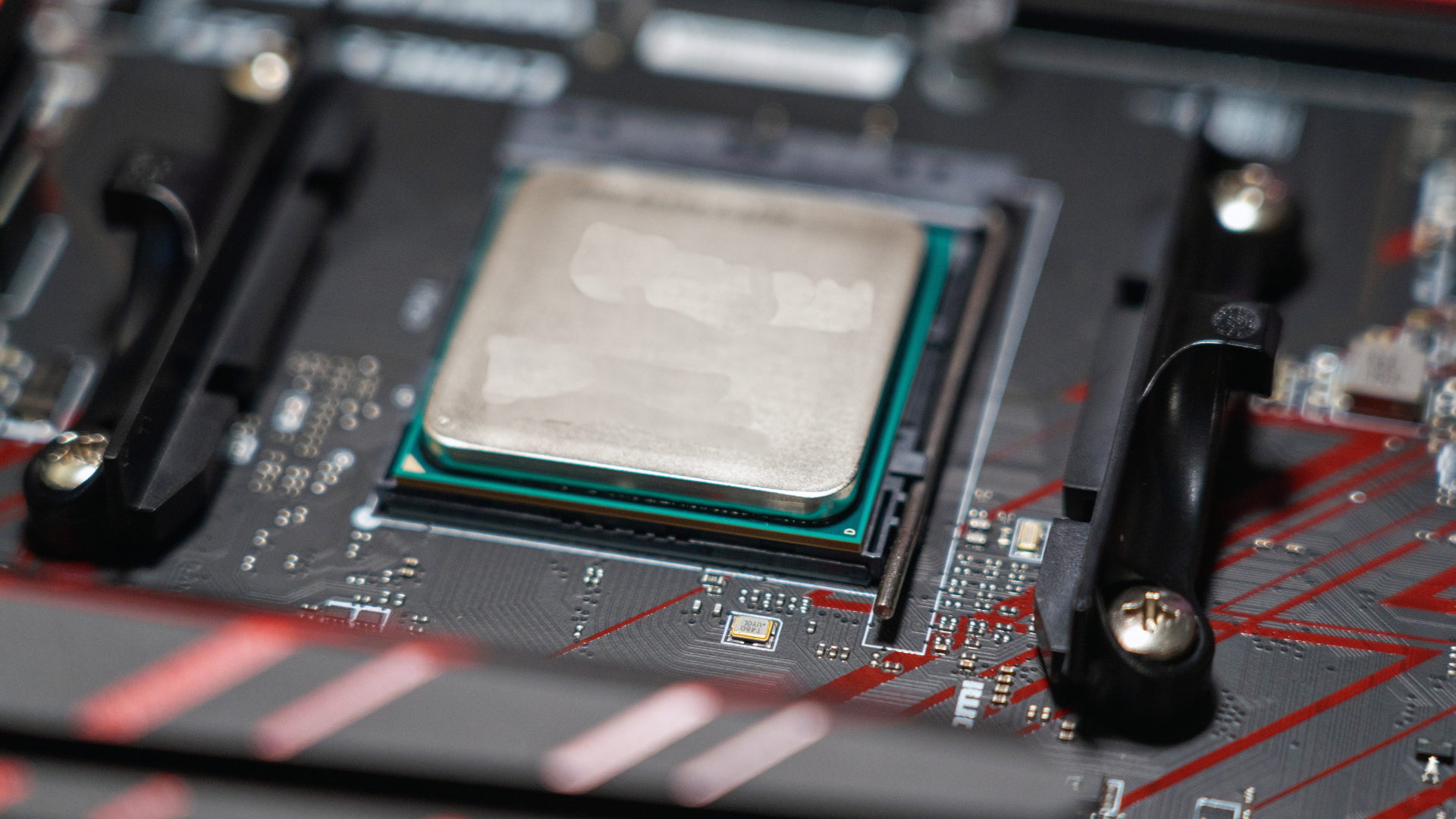
A faster CPU can improve 1% lows, sometimes more noticeably than it improves average FPS. That happens when the processor is responsible for inconsistent frame preparation: a busy main thread, limited cache, high memory latency, background work, or an older architecture can all delay individual frames. Replacing that CPU may reduce the delays and make the game feel smoother.
However, a CPU upgrade is not a universal cure for poor 1% lows. GPU limits, shader compilation, insufficient RAM, storage stalls, network behavior, and game-engine problems can produce similar symptoms. You need to identify the cause before using a benchmark number as a shopping list.
What are 1% lows?
Average FPS describes the total number of frames produced over a period divided by time. It can hide short slowdowns. The 1% low focuses on the slowest one percent of measured frames, usually expressed as an equivalent FPS value. A higher 1% low generally indicates more consistent frame delivery.
Frame time is the same performance viewed from another angle. At 60 FPS, each frame has about 16.7 milliseconds. At 120 FPS, the budget is about 8.3ms; at 240 FPS, it is only about 4.2ms. One 30ms frame can be felt as a hitch even if hundreds of surrounding frames are fast enough to preserve an impressive average.
| Test result | Average FPS | 1% low | Likely experience |
|---|---|---|---|
| Run A | 150 | 118 | Generally consistent |
| Run B | 155 | 72 | Higher average but visible dips |
| Run C | 142 | 125 | Lower average but steadier delivery |
These example numbers show why “faster” should not mean average FPS alone. The shape of the frame-time graph and the frequency of spikes matter too.
How the CPU affects frame delivery
Before the GPU renders a frame, the CPU handles input, simulation, game logic, asset management, and draw-call submission. If the main thread occasionally takes longer than its frame-time budget, the graphics card cannot begin the next frame on schedule. GPU utilization may dip while it waits.
A newer CPU can complete that work sooner through stronger per-core performance, higher effective clocks, more cache, a better memory controller, or a combination of those traits. Extra cores can help when game and background threads genuinely need them, but unused cores do not accelerate a serial main-thread task. This is why how CPUs affect gaming FPS varies so much by title and target frame rate.
Cache and memory latency can improve lows
Game worlds repeatedly access working data for objects, physics, AI, and draw calls. A larger or more effective CPU cache can keep more of that data close to the cores and reduce trips to system memory. That is one reason some large-cache gaming processors produce especially strong minimums in cache-sensitive titles.
Memory also matters. A single-channel configuration, disabled memory profile, unstable tuning, or insufficient capacity can hurt frame consistency. Before replacing the CPU, verify that the RAM is installed in the recommended slots, running at the intended stable settings, and not filling completely during the test. RAM cannot fix every CPU limit, but a misconfigured memory subsystem can make a capable processor look worse.
When a faster CPU is unlikely to help
If the GPU remains at or near full utilization during the slow frames, the graphics workload may be the limiting factor. Lower resolution or GPU-heavy settings and repeat the same scene. A large improvement points toward a graphics limit; almost no change, combined with an underused GPU, points more strongly toward the CPU.
Shader compilation can cause stutter regardless of an otherwise fast system, especially after a game or driver update. Asset streaming from slow or failing storage, insufficient RAM that causes paging, and unstable overclocks can also damage lows. Online multiplayer may exhibit network hitching that a local hardware benchmark does not reproduce. Understanding the difference between a CPU and GPU helps you change the right variable.
Background tasks affect the slowest frames
An occasional antivirus scan, browser process, RGB utility, recording task, or game launcher update may not reduce average FPS much. It can still interrupt a time-sensitive game thread long enough to create a poor low. Close nonessential software and repeat the benchmark, but keep the normal configuration in mind: if you always stream, chat, and keep a browser open, a realistic test should eventually include those tasks.
Streaming is a useful example. CPU encoding can take processing time from the game, while a modern GPU’s hardware encoder may reduce CPU pressure. A processor with more cores can help a single-PC CPU-encoded stream, whereas a gaming-first system using GPU encoding may benefit more from faster game-thread performance. See our recommendations for CPUs for gaming and streaming.
How resolution changes the result
At lower resolutions and competitive settings, the GPU produces frames quickly and the CPU must feed it at a high rate. CPU differences are easier to see. At 4K with demanding visual settings, the GPU often becomes the limit, so several processors may deliver similar results.
This does not mean resolution directly changes the CPU’s capability. It changes the balance of work and the frame-rate target. A 1440p player aiming for 240 FPS may need much stronger CPU performance than a 1440p player targeting 90 FPS in a visually intensive game. High-refresh buyers can compare our CPUs for 240Hz gaming.
A repeatable way to benchmark 1% lows
- Use a stable test. Prefer a built-in benchmark, replay, or repeatable route.
- Warm up the game. Let shader compilation and asset caching settle when possible.
- Log frame times. Record average FPS, 1% low, and the frame-time graph rather than reading a live counter.
- Run at least three passes. A single background event can distort one result.
- Change one variable. Test resolution, a CPU-heavy setting, memory configuration, or background software separately.
- Compare the median. Look for repeatable differences larger than normal run-to-run variation.
Watch GPU utilization, per-core CPU load, effective clocks, temperature, RAM use, and storage activity during the capture. If lows coincide with an underused GPU and diagnosing low GPU utilization points back to the processor, a CPU upgrade becomes more credible.
When a CPU upgrade is worth it
An upgrade has the strongest case when multiple games show poor lows, one or more CPU threads are consistently busy, the GPU has headroom, lowering resolution does not solve the issue, and benchmarks for your exact games show a meaningful gain from a newer processor. Consider the complete platform cost: motherboard, memory, cooler compatibility, and possibly a new Windows configuration.
Choose for the performance target you actually use. The most expensive processor may be unnecessary at a moderate refresh rate, while a competitive player can reasonably pay more for consistent high-frame-rate delivery. Our current guide to the best CPUs for gaming can help after you confirm the limitation.
Frequently asked questions
Are 1% lows more important than average FPS?
They are complementary. Average FPS indicates overall throughput; 1% lows and frame-time graphs reveal consistency. A good evaluation considers all three rather than treating one metric as definitive.
Can RAM improve 1% lows?
Yes, if capacity, channel configuration, frequency, latency, or stability is holding the system back. The improvement depends on the CPU, game, and current memory setup. Adding RAM will not fix an unrelated GPU or engine limitation.
Why are my 1% lows bad with a strong GPU?
A strong GPU can expose a CPU limit by requesting frames faster. CPU scheduling, memory, shader compilation, storage, background tasks, and the game engine can all cause slow frames even when the graphics card is powerful.
Bottom line
A faster CPU can improve 1% lows when the processor is delaying frame preparation. The largest benefits usually appear at high frame-rate targets, in CPU-heavy games, or with background workloads. Measure repeatable frame times and component behavior first; upgrade only when the evidence points consistently to the CPU.
