
These are the best Thermaltake gaming PCs available right now.
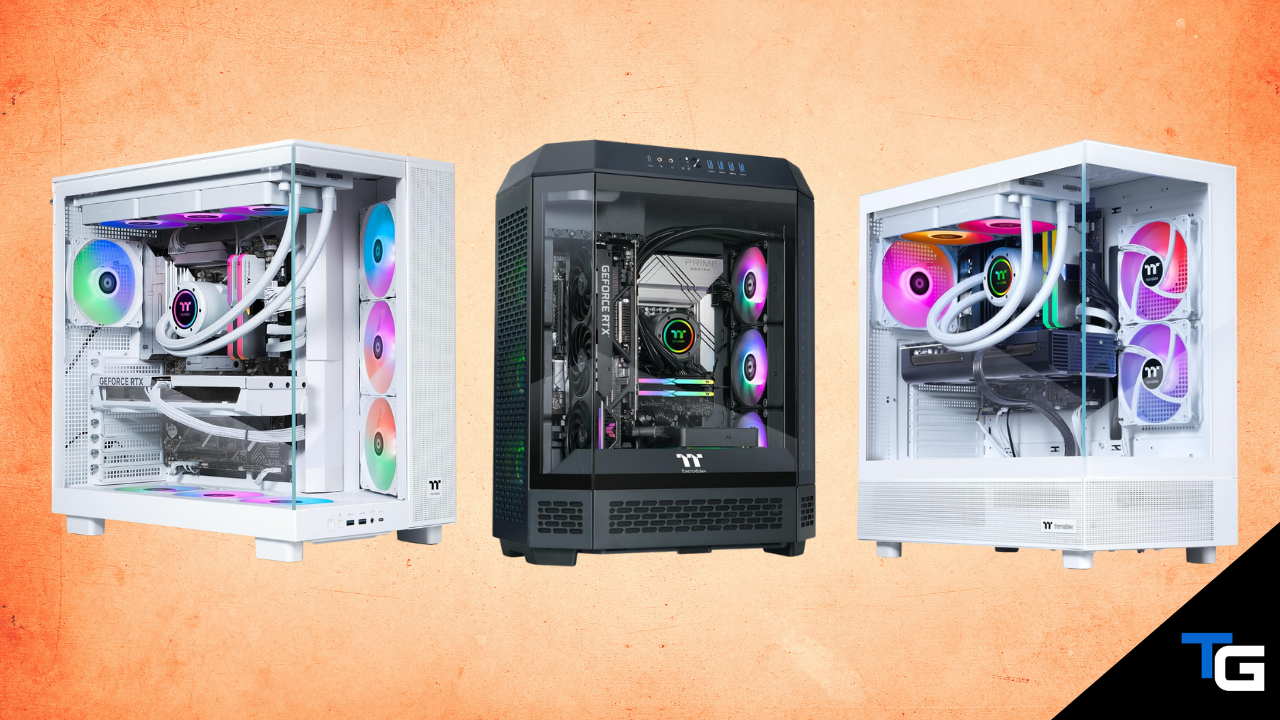
Thermaltake has been a staple in the PC hardware community for decades. They’re best known for their power supplies, PC cases, cooling products, and other components, but in recent years they’ve also built out a fairly extensive lineup of prebuilt gaming PCs.
Their current LCGS lineup covers everything from more affordable RTX 5060 Ti systems all the way up to extreme desktops equipped with an RTX 5090.
For 2026, we’ve picked out five Thermaltake gaming PCs that make the most sense across different performance tiers. Our top choice pairs AMD’s Ryzen 7 9800X3D with an RTX 5090, while the less expensive options step down through the RTX 5080, RX 9070 XT, RTX 5070, and RTX 5060 Ti.
Check out our picks below.
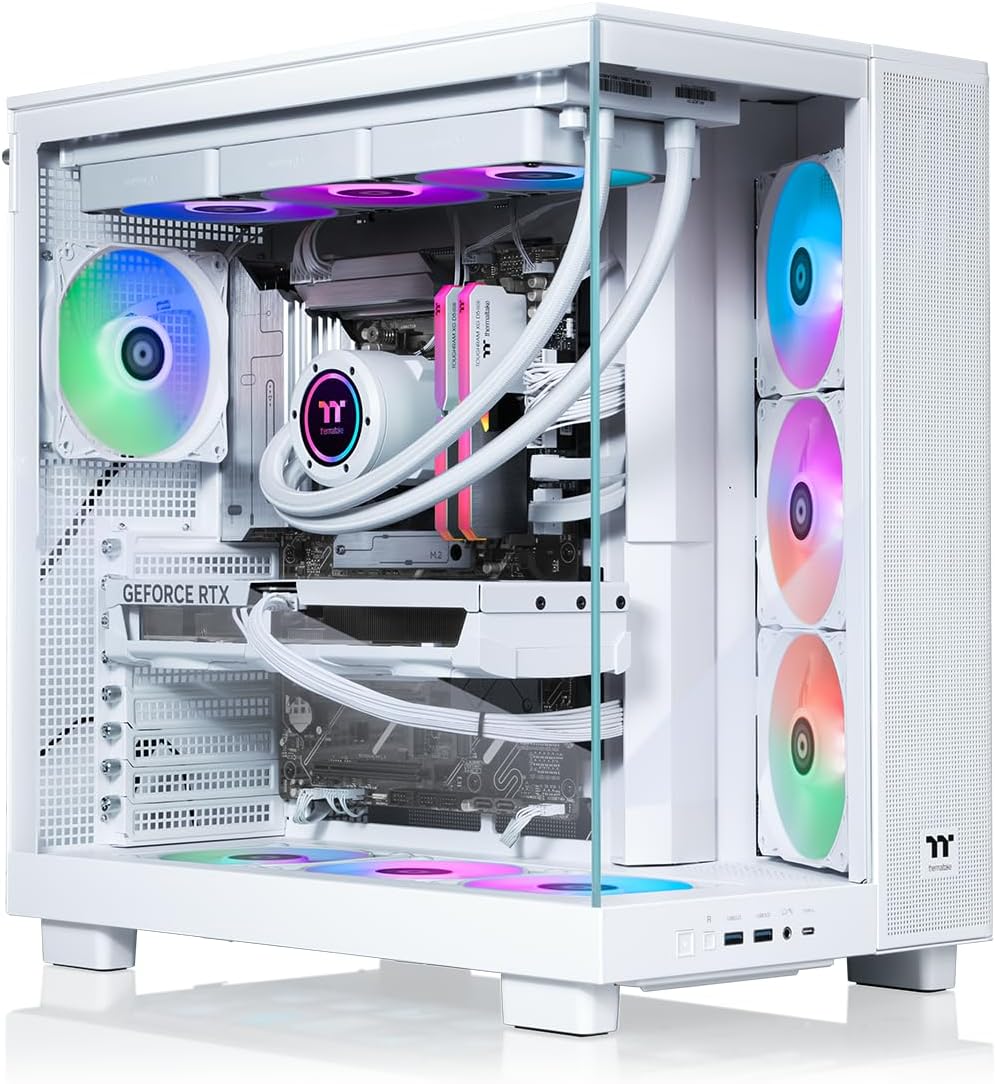
Thermaltake LCGS View 9890S-380XL
The best Thermaltake gaming PC right now.
PC Specs
- CPU: Ryzen 7 9800X3D
- COOL: 360mm AIO
- GPU: RTX 5090
- RAM: 32GB DDR5
- SSD: 2TB NVMe
Pros & Cons
- Flagship RTX 5090 graphics card
- 9800X3D is an excellent gaming CPU
- 360mm liquid cooling
- 2TB of NVMe storage
- Extremely expensive
Thermaltake LCGS View 9890S-380XL Overview
If you’re looking for the fastest Thermaltake gaming PC without worrying much about price, the LCGS View 9890S-380XL is the configuration we’d start with.
It combines AMD’s Ryzen 7 9800X3D processor with NVIDIA’s flagship RTX 5090 graphics card. That’s an extreme hardware combination that makes this system well-suited for high-refresh-rate 4K gaming, demanding raytracing workloads, VR, and just about anything else you could throw at it.
The rest of the hardware is appropriately high-end as well. You get 32GB of DDR5-6000 memory, a 2TB NVMe SSD, an X870 chipset motherboard, a 1200-watt 80 Plus Gold power supply, and a 360mm AIO liquid CPU cooler.
Everything is housed inside Thermaltake’s View 380 XL, which uses a dual-chamber panoramic design with large tempered-glass panels that put the system’s internal components on full display.
Thermaltake does offer an even more CPU-heavy Reactor 9590 with a Ryzen 9 9950X3D and RTX 5090. However, if gaming is your primary concern, we’d rather save some money and stick with the 9800X3D configuration.
This obviously isn’t going to be the right desktop for most buyers. But if you’re specifically shopping for an RTX 5090 gaming PC and you like Thermaltake’s panoramic View design, this is their best gaming-focused configuration right now.
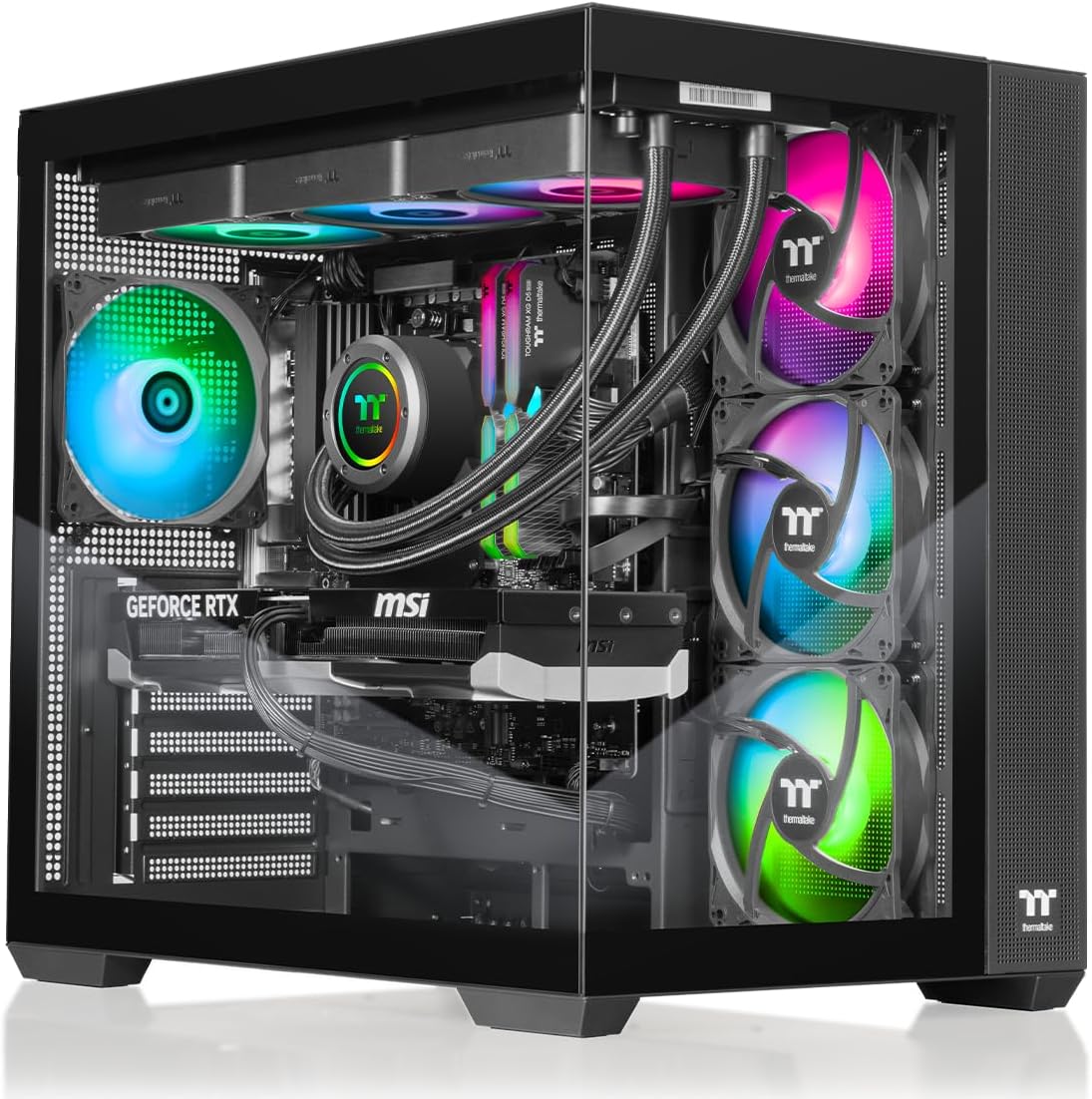
Thermaltake LCGS View 9880-380
A more sensible high-end alternative.
PC Specs
- CPU: Ryzen 7 9800X3D
- COOL: 360mm AIO
- GPU: RTX 5080
- RAM: 32GB DDR5
- SSD: 1TB NVMe
Pros & Cons
- Excellent 4K gaming performance
- Ryzen 7 9800X3D processor
- 32GB of fast DDR5 memory
- 360mm AIO cooler
- Only includes a 1TB SSD
Thermaltake LCGS View 9880-380 Overview
The RTX 5090-based system above is overkill for a lot of gamers. If you still want an extremely powerful 4K gaming PC but don’t want to jump all the way to an RTX 5090, Thermaltake’s View 9880-380 is a more reasonable alternative.
You don’t have to sacrifice anything on the processor side, either. This configuration uses the same Ryzen 7 9800X3D found in our top pick and pairs it with an RTX 5080.
That’s still an extremely powerful gaming combination and will be more than enough for the overwhelming majority of gamers—even if you’re planning on using a high-refresh-rate 1440P or 4K display.
Thermaltake also includes 32GB of DDR5-6400 memory, a B850 motherboard, an 850-watt 80 Plus Gold power supply, and a 360mm AIO cooler.
The one disappointing part of the configuration is the storage. At this price point, we’d prefer to see a 2TB SSD, but the View 9880-380 only includes a 1TB NVMe drive. Fortunately, storage is one of the easiest parts to add later.
Overall, if an RTX 5090 desktop is more than you want to spend, this configuration is our favorite RTX 5080 Thermaltake gaming PC right now.
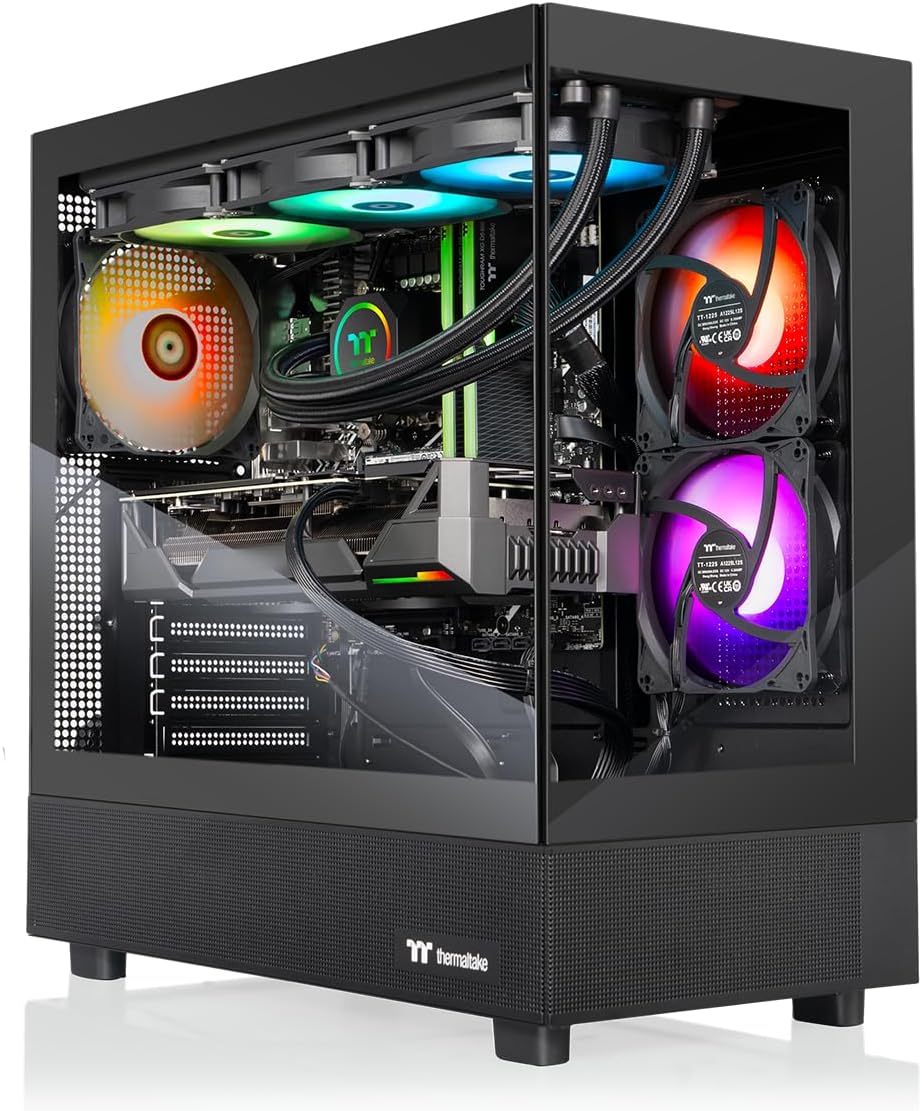
Thermaltake LCGS View 9897X-270
The best Radeon-based Thermaltake desktop.
PC Specs
- CPU: Ryzen 7 9800X3D
- COOL: 360mm AIO
- GPU: RX 9070 XT
- RAM: 32GB DDR5
- SSD: 2TB NVMe
Pros & Cons
- Ryzen 7 9800X3D processor
- Excellent high-end 1440P setup
- 2TB of NVMe storage
- 360mm liquid cooler
- Not ideal if you specifically want NVIDIA features
Thermaltake LCGS View 9897X-270 Overview
If you’d prefer an AMD graphics card, Thermaltake has an excellent all-AMD configuration in the LCGS View 9897X-270.
This system gets a major CPU upgrade over the Radeon-based configuration we recommended last year. Instead of the older Ryzen 7 7800X3D, the newer 9897X-270 comes with a Ryzen 7 9800X3D.
It’s paired with AMD’s Radeon RX 9070 XT, making it a particularly strong option for high-refresh-rate 1440P gaming while still giving you plenty of horsepower to step up to 4K.
The supporting hardware is also better-rounded than the RTX 5080 system above. You get 32GB of DDR5-6400 memory, a 2TB NVMe SSD, a B850 chipset motherboard, an 850-watt 80 Plus Gold power supply, and a 360mm AIO liquid cooler.
The main reason to skip this configuration would be if you specifically want NVIDIA’s feature set. In that case, one of Thermaltake’s RTX 5070 Ti or RTX 5080 systems would make more sense.
But for buyers who prefer Radeon hardware—or who simply find this configuration available at a significantly better price than Thermaltake’s NVIDIA alternatives—the View 9897X-270 is one of the more interesting desktops in the company’s lineup.
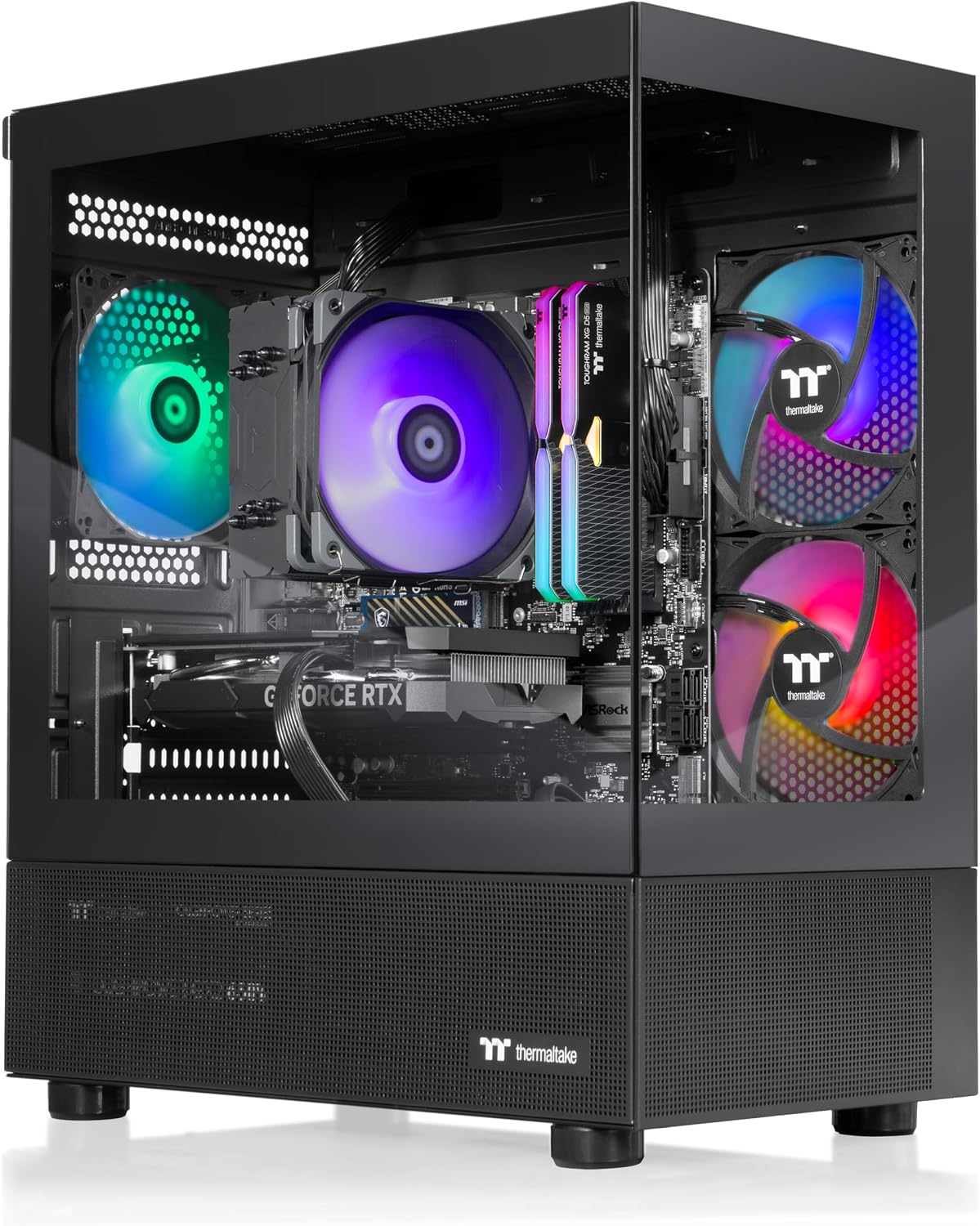
Thermaltake LCGS View i1470-170
A strong RTX 5070 Thermaltake desktop.
PC Specs
- CPU: Intel Core i7-14700F
- COOL: ARGB tower cooler
- GPU: RTX 5070
- RAM: 32GB DDR5
- SSD: 1TB NVMe
Pros & Cons
- Strong 1440P gaming performance
- 32GB of DDR5 memory
- Powerful Core i7 processor
- 850-watt 80 Plus Gold PSU
- Only comes with a 1TB SSD
Thermaltake LCGS View i1470-170 Overview
For a more affordable entry into higher-end gaming, we like Thermaltake’s View i1470-170.
This configuration pairs Intel’s Core i7-14700F with an RTX 5070 and 32GB of DDR5-6000 memory.
While the 14700F isn’t as gaming-focused as the X3D processors found in our first three picks, it’s still a powerful 20-core processor and is more than capable of keeping up with an RTX 5070.
That makes this system a good fit for gamers who primarily play at 1440P. It also has enough graphics horsepower to handle 4K gaming, although the RTX 5080-based system above is the better choice if 4K is your main priority.
The i1470-170 also comes with a 1TB NVMe SSD, an 850-watt 80 Plus Gold power supply, a B760 chipset motherboard, and an ARGB tower-style CPU cooler.
We would have liked to see a 2TB SSD at its asking price, and the older LGA1700 platform isn’t as attractive from a long-term CPU-upgrade standpoint. But as a complete system, the Core i7-14700F and RTX 5070 combination still makes a lot of sense.
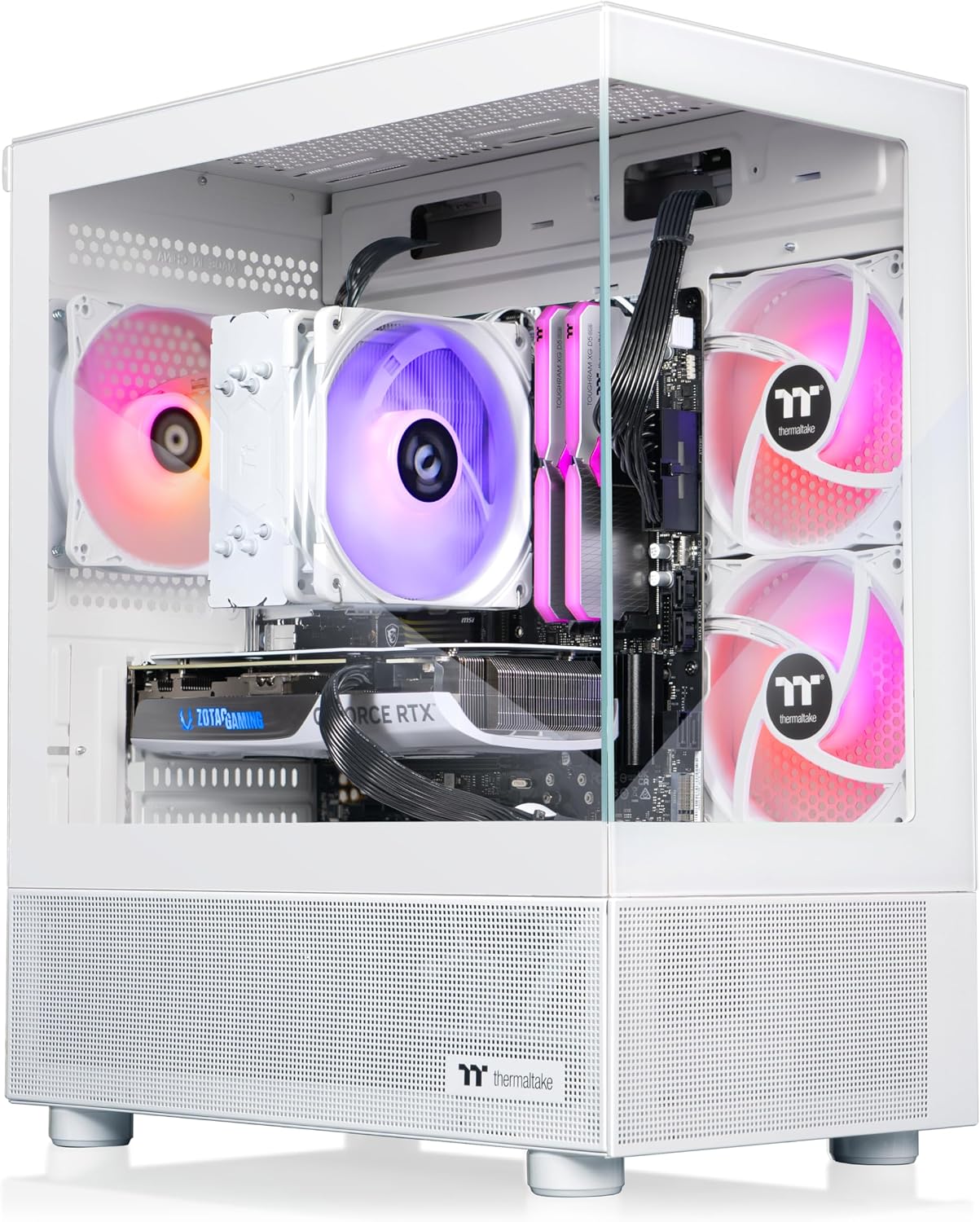
Thermaltake LCGS View u2460TS-170
The best value Thermaltake gaming PC.
PC Specs
- CPU: Intel Core Ultra 5 245KF
- COOL: ARGB tower cooler
- GPU: RTX 5060 Ti
- RAM: 32GB DDR5
- SSD: 1TB NVMe
Pros & Cons
- Good 1080P/1440P gaming performance
- Comes with 32GB of DDR5 RAM
- Newer Intel platform
- Lowest-priced option on this list
- Not the best choice for demanding 4K gaming
Thermaltake LCGS View u2460TS-170 Overview
Thermaltake doesn’t currently have a sub-$1,000 gaming desktop that we like enough to recommend. So, instead of forcing a budget pick into that price range, we’ve selected the View u2460TS-170 as the company’s best value option.
And it has a significantly better overall configuration than some of Thermaltake’s cheaper systems from last year.
The u2460TS-170 comes with an Intel Core Ultra 5 245KF processor, an RTX 5060 Ti graphics card, and 32GB of DDR5-6000 memory.
That should make it a good fit for anyone gaming on a 1080P display and a capable option for 1440P gaming as well. If you’re trying to run demanding games at 4K, though, we’d recommend moving up to at least the RTX 5070 system above.
Thermaltake rounds the system out with a B860 chipset motherboard, a 1TB NVMe SSD, a 650-watt 80 Plus Gold power supply, and an ARGB tower-style CPU cooler.
It’s also nice to see 32GB of RAM here. A lot of lower-priced prebuilts have traditionally cut costs by shipping with only 16GB, so Thermaltake isn’t forcing you into an immediate memory upgrade.
Overall, this is the Thermaltake desktop we’d look at first if you want to keep the price as low as possible without dropping down to a significantly weaker hardware configuration.
What is the Best Thermaltake Gaming Desktop Right Now?
For gaming, our favorite Thermaltake desktop right now is the LCGS View 9890S-380XL. Its combination of a Ryzen 7 9800X3D and RTX 5090 gives it more than enough performance for essentially any gaming scenario.
You can technically go even higher with Thermaltake’s Ryzen 9 9950X3D-based Reactor 9590, but the extra CPU horsepower is more useful for heavily threaded productivity workloads than it is for a gaming-focused system.
If you don’t want to spend RTX 5090 money, the View 9880-380 gives you the same Ryzen 7 9800X3D with an RTX 5080 instead.
The View 9897X-270 is our favorite Radeon option, while the View u2460TS-170 is the Thermaltake system we’d start with if value is the main priority.
Frequently Asked Questions
Are Thermaltake gaming PCs good?
Yes. Thermaltake has been manufacturing PC components for decades, and its LCGS desktops use many of the same types of standard components you’d find in a custom-built gaming PC. That generally makes them easier to upgrade than prebuilts that rely heavily on proprietary cases, motherboards, power supplies, or cooling hardware.
That doesn’t mean every Thermaltake configuration is a good deal, though. Pricing can vary significantly from one model to another, so we’d pay more attention to the CPU, GPU, memory, storage, and current selling price than the Thermaltake name alone.
What is the best Thermaltake gaming PC?
For pure gaming, we’d choose the Thermaltake LCGS View 9890S-380XL. It combines a Ryzen 7 9800X3D with an RTX 5090, along with 32GB of DDR5 memory, a 2TB NVMe SSD, and a 360mm liquid cooler.
Thermaltake also offers the Reactor 9590 with a Ryzen 9 9950X3D and RTX 5090 if you want additional multi-core CPU performance.
Does Thermaltake make an RTX 5080 gaming PC?
Yes. Thermaltake offers multiple RTX 5080 configurations. Our favorite is the View 9880-380, which pairs the RTX 5080 with a Ryzen 7 9800X3D and 32GB of DDR5 memory.
For gamers who want excellent 4K performance but don’t want to pay the premium required for an RTX 5090 system, it’s arguably the sweet spot in Thermaltake’s high-end lineup.
Can you upgrade a Thermaltake prebuilt gaming PC?
In most cases, yes. Thermaltake’s gaming PCs generally use standard desktop components, so memory, storage, graphics cards, power supplies, cooling hardware, and other parts can usually be replaced or upgraded.
CPU upgrade options will depend on the motherboard platform inside the specific configuration, so it’s worth checking the motherboard chipset and socket before buying if future CPU upgrades are important to you.
Is 32GB of RAM enough for a gaming PC in 2026?
For most gaming PCs, yes. All five systems we’ve recommended here include 32GB of DDR5 memory, which is a comfortable amount for modern gaming, multitasking, streaming, and general use.
Most gamers won’t need 64GB unless they’re also running particularly memory-intensive productivity workloads, heavily modded games, virtual machines, or other demanding applications.
Does Thermaltake have a good gaming PC under $1,000?
At the moment, we don’t think Thermaltake’s sub-$1,000 offerings are strong enough to earn a recommendation here. Their better entry-level configurations have moved above that range.
That’s why we’ve selected the View u2460TS-170 as our value pick instead. It costs more than a true budget gaming PC, but you get an RTX 5060 Ti, 32GB of DDR5 memory, and a newer Intel platform.
