

Your video goes viral on TikTok, and what’s next?
Obviously, post it to your Instagram Reels, YouTube Shorts, Facebook Reels, Pinterest Idea Pins, use it for your client presentation, or keep it in your brand library.
Wait! There’s a problem… Watermark! When you download, you’re left with your video and a built-in TikTok watermark including the username.
There are also ways of simply cropping the video or covering the watermark— but doing so can result in cutting off portions of the original frame and adding editing time. Thus, the real issue then becomes which TikTok watermark remover is most effective, but rather, which process truly saves time for people.
In this guide, we’ll test different workflows using videos you own or have permission to edit.

Why a TikTok Watermark Is a Workflow Problem, Not Just a Look
What Regular Cross-Platform Reposting Actually Requires
It’s common for people to post the same video on multiple platforms. A TikTok video might be shared again on Instagram Reels, YouTube Shorts, or Facebook Reels, for instance. Or it could just be shared with a client.
The problem here is the TikTok watermark!
The watermark can make the video feel out of place. It clearly shows the video came from TikTok, which isn’t always the look creators or brands want.
Why Modern TikTok Watermarks Are Harder to Remove Than They Used to Be
The TikTok watermark is no longer sticking to one corner. The logo and username appear and move in various locations across the screen from beginning to end.
This is why older methods to edit out the watermark no longer do a particularly good job at masking watermarks.
You must be thinking of easy fixes like cropping or pasting white/black space? Well, that doesn’t work!
Cropping it or pasting a blank space over the watermark leaves sections of it exposed and requires a lot of post-processing for weeks of video posts.
Four Ways Creators Try to Remove a TikTok Watermark (Before Reaching for AI)
For anyone who has tried saving a TikTok video, only to upload somewhere else – you’ll know about watermarks.
Thankfully, there are a variety of easy solutions. Some are quick. Some look better. But not all of them save time when you’re reposting videos regularly.
| Method | Speed | Quality | Scalability | Best For |
|---|---|---|---|---|
| Cropping the frame | Fast | Low | High | Casual, one-off reposts |
| Blur/overlay masks | Fast | Low | Medium | Temporary internal previews |
| Manual frame-by-frame editing | Slow | High | Low | Premium one-off productions |
| Traditional browser tools | Medium | Medium | Medium | Occasional simple edits |
Cropping the frame
The fastest and simplest solution? Just crop it!
It works; no new tools are needed. However, you may be left without captions, an important detail, or a section of your subject.
Blur/overlay a mask
Covering the watermark sounds easy, right?
However, it is usually obvious to the viewer that something is hidden over the logo (be it a blur, sticker, emoji, etc. It usually sticks out).
Frame-by-frame editing (manually)
Need a perfect result? You can frame-by-frame remove the watermarks.
It gives you much more control. However, when done for every video you make, this can be practically a full-time job.
Standard browsers remove watermark tool
Standard tools can usually deal with clean watermarks; however, it is the moving TikTok watermark that is the difficult part to manage and work around the background. That’s the part we’ll put to the test next.
Why AI Reconstruction Handles Differently and How We Tested It
What We Evaluated, and Why
Most older methods don’t really remove a watermark. They hide it! Cropping cuts it away! blur covers it! and patches paint over it!
AI does it a bit differently.
AI essentially works to determine what’s missing behind the watermark and then fills in the gaps to create what it thinks looks more natural.
For our test we’ll focus on a few items that are important for this kind of workflow: watermark detection accuracy, fill in quality of background, logo performance, speed of processing, file uploading, manual input, and the smoothness/cohesion of the output video.
The Tool We Tested: Vmake Labs’ Watermark Remover
We tested Vmake Labs’ AI Watermark Remover on short-form videos with different watermark positions and backgrounds.
The first thing we noticed was that it wasn’t using the usual “hide the corner” approach. It tracked the watermark as it moved and worked on rebuilding the area behind it.
We can say that the Vmake Labs (Formerly Vmake AI) goes way beyond a typical watermark remover – it can identify and follow watermarks through every frame and effectively rebuilding the space those marks occupy.
What you’ll love as a creator is that it supports batch processing – one batch upload allows for up to 30 videos – so you could get multiple clips ready for resharing quickly.
Four Repost Scenarios We Actually Ran Through Vmake’s Watermark Remover
Static Watermark, Clean Background
We took the easiest test first, a talking-head video and not much movement.
This way we were able to verify three things: how well the watermark was taken off, whether the background looked natural and how fast the video was handled.

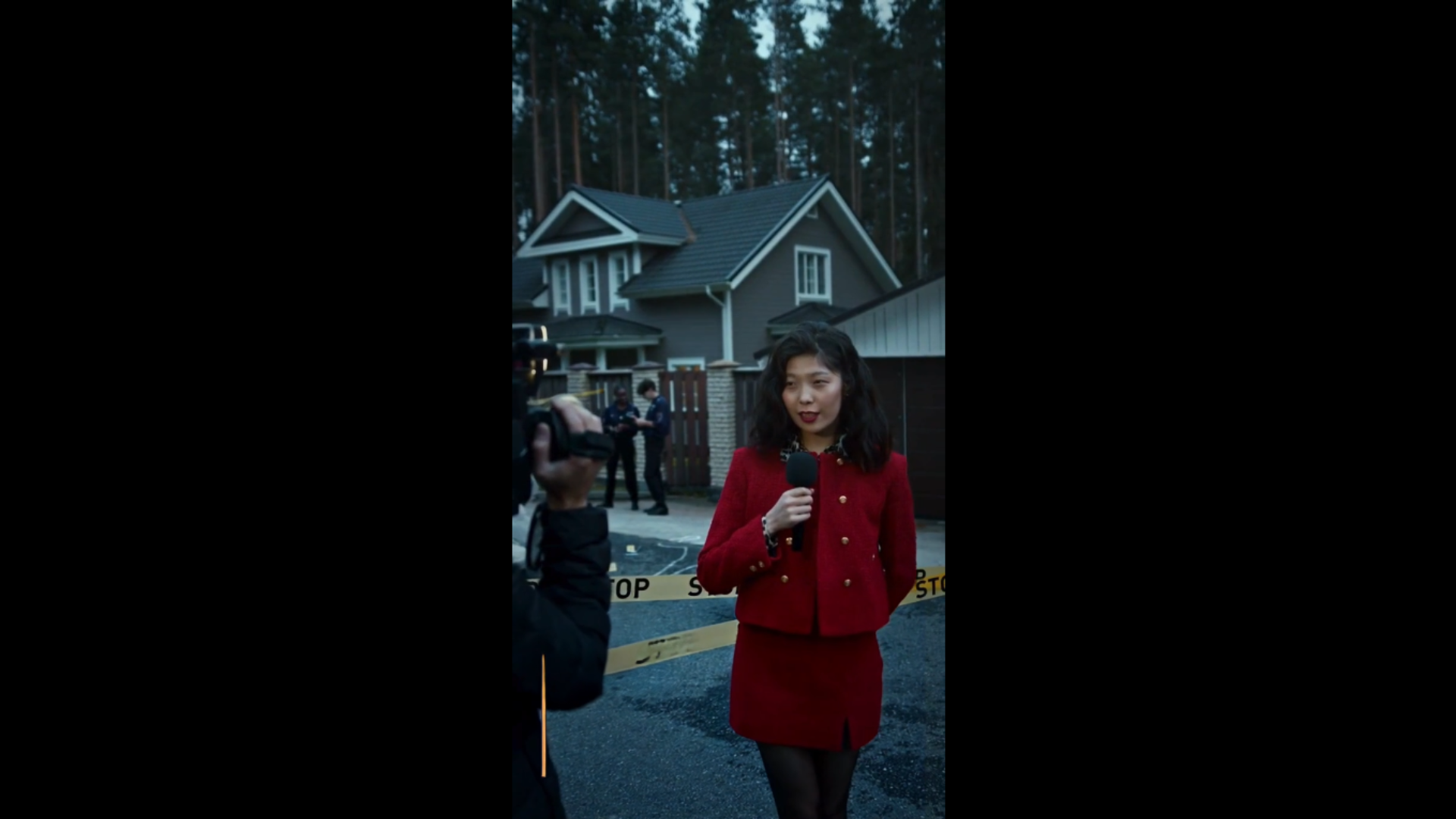
TikTok’s Moving Logo and Username
We then tested the standard case of a TikTok download in which the logo together with the username change positions across the screen while the video is playing.
We examined the tool’s ability to keep the moving watermark in focus.
The problem is here that older techniques usually are not good for this case. Well, Vmake Labs in our test managed to handle the motion and is probably going to be an absolute lifesaver when you’re reposting multiple times.


Busy Backgrounds and Fast Motion
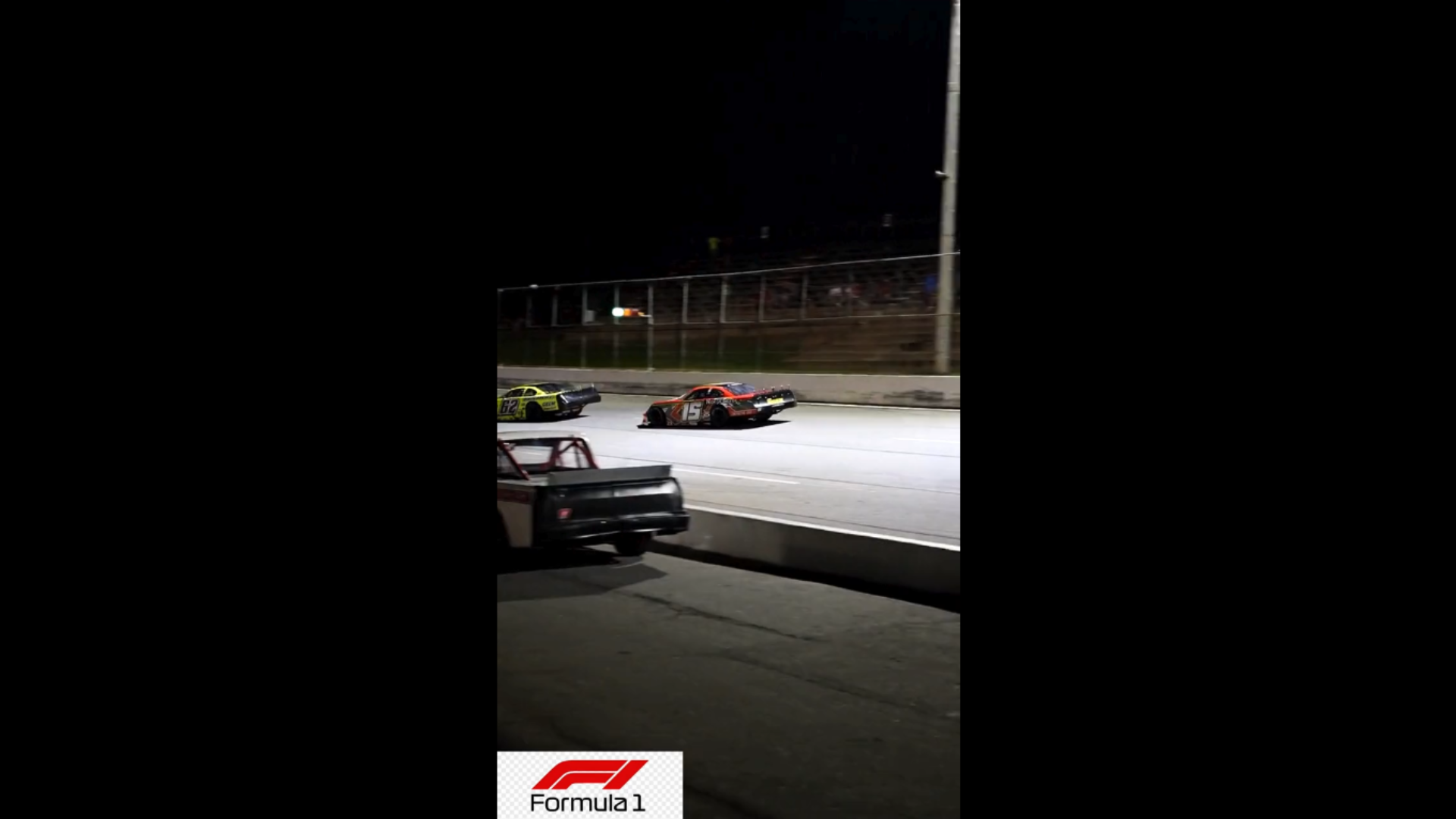
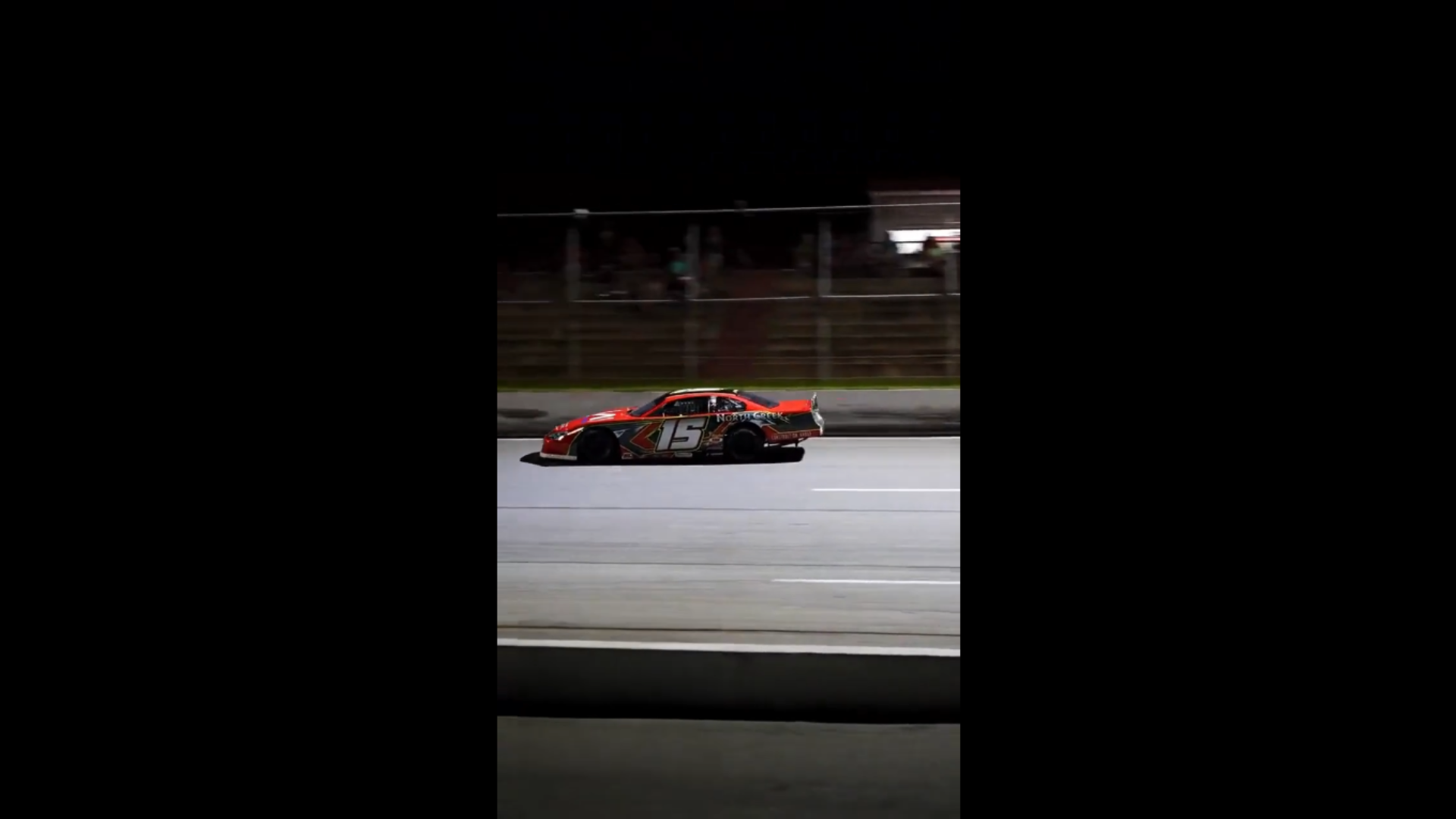
Afterward, we tested more complicated videos. The tool was asked to complete various clips, consisting of motion and sports.
We assessed what remained in the background was filled in precisely, and whether the individuals as well as objects looked natural with no evident AI mistakes.
So Which Watermark Removal Workflow Actually Wins for Regular Reposting?
| Workflow | Speed | Quality | Scalability | Best For |
|---|---|---|---|---|
| Cropping | ★★★★★ | ★★☆☆☆ | ★★★★★ | Casual reposts |
| Blur/Overlay | ★★★★☆ | ★★☆☆☆ | ★★★★☆ | Temporary previews |
| Manual editing | ★☆☆☆☆ | ★★★★★ | ★☆☆☆☆ | High-end productions |
| Traditional online tools | ★★★☆☆ | ★★★☆☆ | ★★★☆☆ | Occasional edits |
| AI workflow (tested above) | ★★★★☆ | ★★★★☆ | ★★★★★ | Frequent repurposing |
FAQ: TikTok Watermark Removal for Repost Workflows
Does removing a TikTok watermark improve repost performance?
TikTok hasn’t shown any indication or studies demonstrating that the removal of the watermarks has increased engagement or visibility – a big reason many creators are wanting the feature disabled for cleaner visuals.
Will the AI remove TikTok’s moving watermark?
Yes. Most modern AI can successfully track a watermark, even when it’s shifting position on the screen. This will often yield better results than cropping out the watermark or using a blurry background over the logo.
Can you edit multiple TikToks at once?
Yes. Certain programs, such as Vmake Labs, allow you to upload several videos at once and process them simultaneously, which is particularly convenient when you’re reposting frequently.
Is it legal to remove a watermark from your own TikTok?
Yes. If you own the original file or have gained permission to edit the clip, it’s perfectly legal for you to remove your own watermarks. The ethics and legality of removing someone else’s watermark is an entirely different subject.
Conclusion
If you just have to clean one video, maybe a quick crop or a blur would get you there. However, when reposting every week, all those minor editing tasks could be eating more time than you think.
Vmake Labs did a much better job for the most part, especially when dealing with videos that had the moving TikTok watermarks at the bottom.
Batch workflow and manual controls were great for cleaning up multiple clips without having to rework all of them from scratch. A workflow that you might want to consider if cross-platform reposting is part of your regular workflow.
