
These are CyberPowerPC’s best gaming desktop options right now.
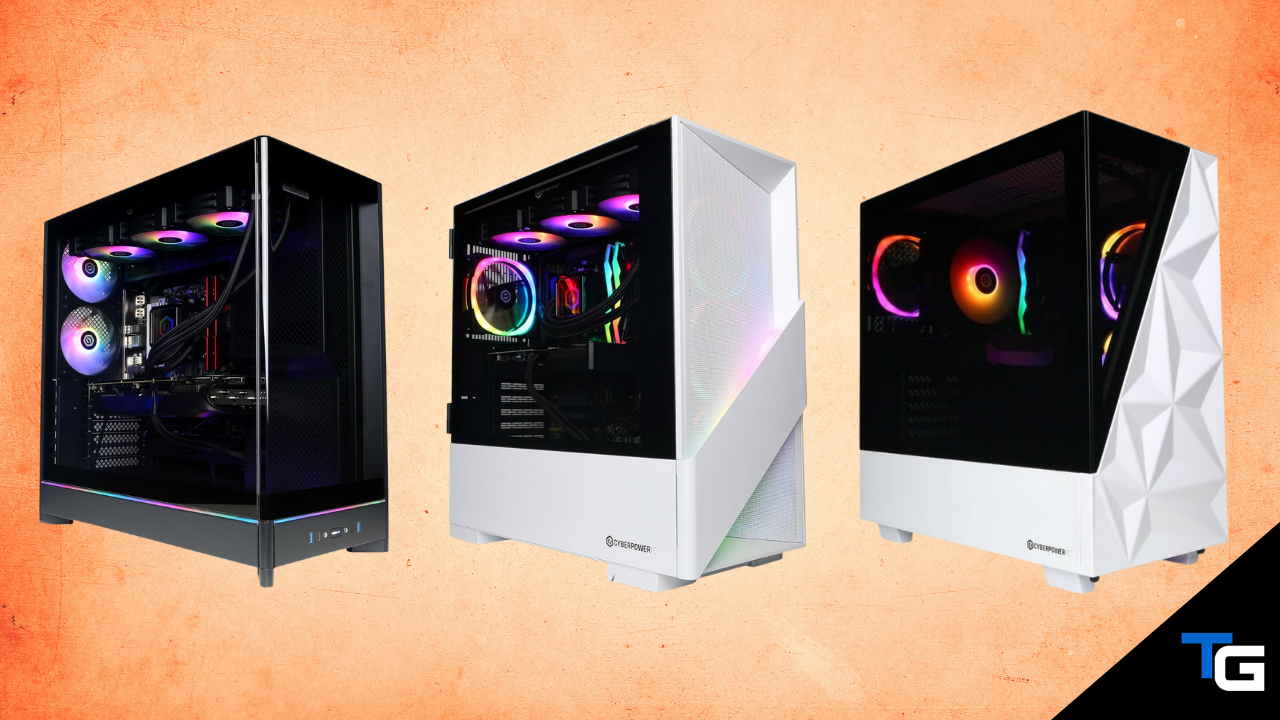
While CyberPowerPC doesn’t have quite the same mainstream name recognition as brands like ASUS, Dell, HP, or MSI, they have become one of the more prominent sellers of prebuilt gaming desktops on Amazon.
A big reason for their popularity is the sheer number of configurations they offer. CyberPowerPC sells everything from relatively affordable 1080P gaming systems all the way up to extreme desktops equipped with NVIDIA’s RTX 5090.
And, compared to some of the larger PC manufacturers, CyberPowerPC will often give you a stronger CPU and GPU combination for your money.
Of course, value can vary quite a bit from one configuration to another. Amazon pricing also changes frequently, so one CyberPowerPC system might be an excellent deal one week and get leapfrogged by another configuration the next.
With that in mind, we’ve highlighted the CyberPowerPC gaming desktops that we think make the most sense right now across a range of performance levels.
Gamer Supreme – 9950X + RTX 5090
CyberPowerPC’s most powerful gaming desktop.
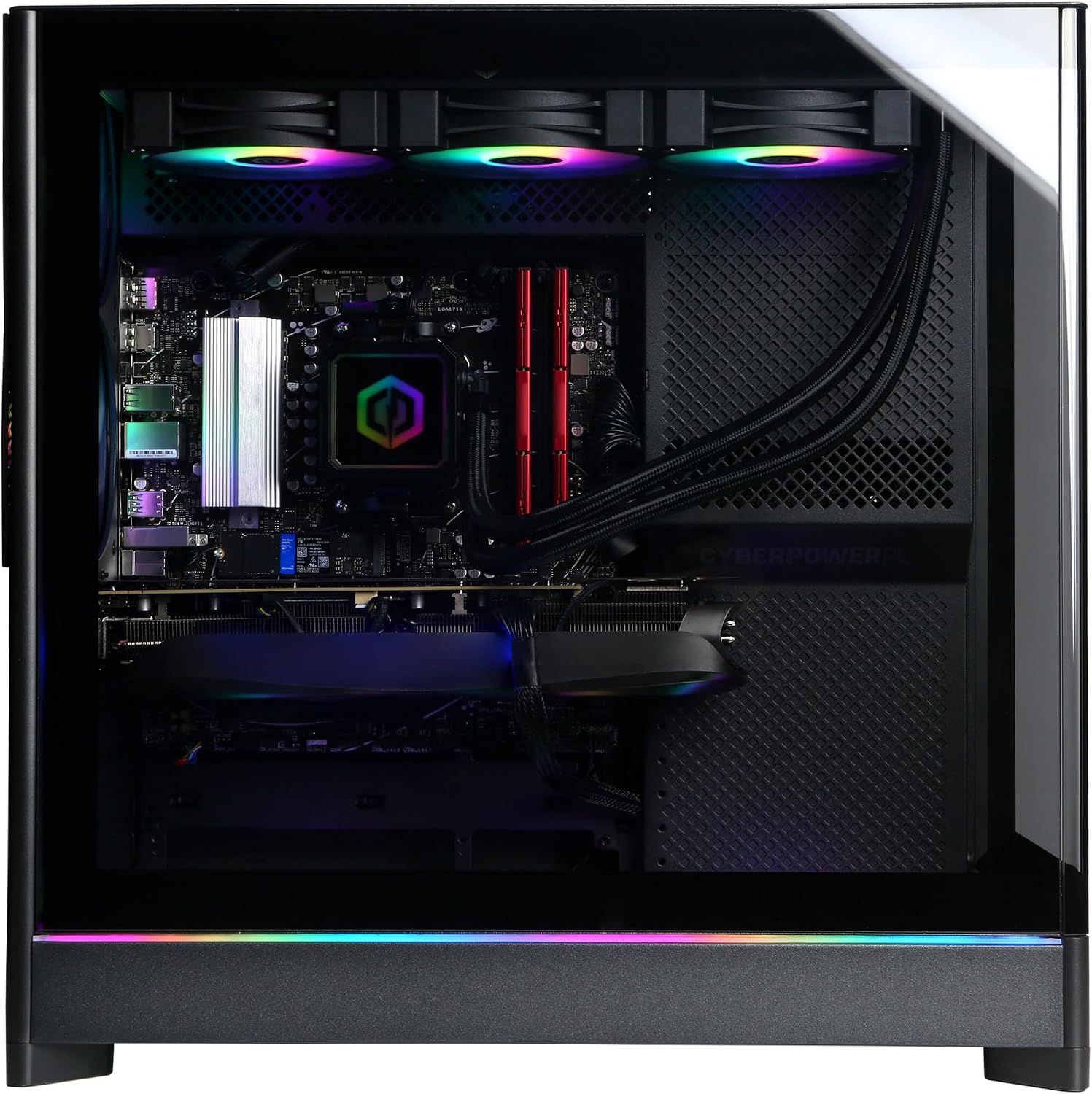
PC Specs
- CPU: Ryzen 9 9950X
- COOL: Liquid cooler
- GPU: RTX 5090 32GB
- RAM: 64GB DDR5
- SSD: 4TB NVME
Pros & Cons
- Comes with NVIDIA’s flagship gaming GPU
- Excellent for 4K gaming
- Strong CPU for productivity workloads
- 64GB RAM and 4TB of storage
- Very expensive
- 9950X isn’t an X3D gaming-focused CPU
Gamer Supreme – 9950X + RTX 5090 Overview
If raw GPU performance is your main concern, this is the CyberPowerPC configuration to get. It pairs AMD’s 16-core Ryzen 9 9950X processor with NVIDIA’s flagship RTX 5090 graphics card.
The RTX 5090 is an extreme GPU and makes this system especially well-suited for high-refresh-rate 4K gaming. There really isn’t much you can throw at this machine from a gaming standpoint that it won’t be able to handle.
You also get 64GB of DDR5 memory and a massive 4TB NVME SSD, making this one of the few prebuilts where there isn’t an obvious memory or storage upgrade that needs to be made right away.
The Ryzen 9 9950X is also an excellent option for demanding non-gaming workloads. Its 16 cores make it a much better fit than a typical gaming-focused 8-core chip if you’re also doing things like video editing, rendering, streaming, or other CPU-intensive work.
The one thing we would change is the CPU. AMD now offers newer X3D processors that deliver better gaming-oriented performance, and at this pricepoint it would be nice to see one paired with the RTX 5090.
That issue becomes less significant when you’re gaming at 4K, though, where the workload is much more GPU-bound.
Ultimately, this system isn’t going to make sense for most gamers simply because of how expensive RTX 5090 desktops are. But if you want the fastest graphics card available and you specifically want a CyberPowerPC desktop, this is the configuration we’d start with.
Gamer Supreme – 9850X3D + RTX 5080
The best high-end CyberPowerPC for gaming.
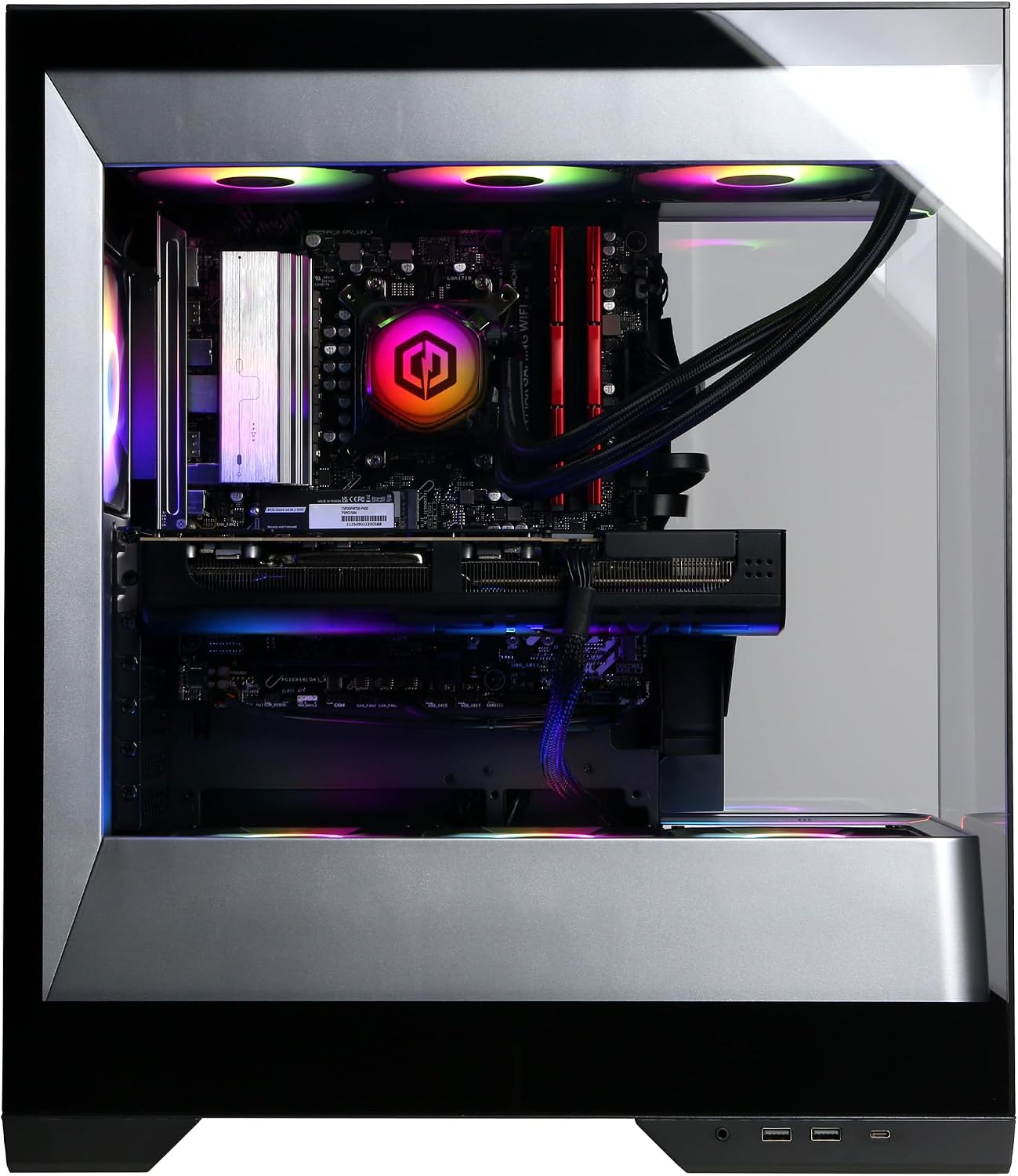
PC Specs
- CPU: Ryzen 7 9850X3D
- COOL: Liquid cooler
- GPU: RTX 5080 16GB
- RAM: 32GB DDR5
- SSD: 2TB NVME
Pros & Cons
- Elite CPU/GPU combination for gaming
- Excellent 1440P and 4K performance
- X3D CPU is ideal for CPU-heavy games
- 32GB RAM and 2TB storage
- Still very expensive
Gamer Supreme – 9850X3D + RTX 5080 Overview
For gamers with a large budget who don’t necessarily need to jump all the way up to an RTX 5090, this Gamer Supreme configuration is arguably CyberPowerPC’s most interesting high-end option.
It pairs AMD’s Ryzen 7 9850X3D with an NVIDIA RTX 5080.
The 9850X3D is the newer successor to the extremely popular 9800X3D and uses AMD’s 3D V-Cache technology to deliver excellent performance in CPU-intensive games. That makes it a more gaming-focused CPU than the Ryzen 9 9950X found in the much more expensive RTX 5090 configuration listed above.
And the RTX 5080 is more than powerful enough for high-end gaming. It is an ideal GPU for a high-refresh-rate 1440P display and has enough horsepower to run demanding titles at 4K as well.
You also get 32GB of DDR5 memory and a 2TB PCIe 4.0 NVME SSD, both of which are appropriate for a premium gaming desktop in 2026. CyberPowerPC also equips this system with liquid CPU cooling and RGB lighting.
Obviously, the RTX 5090 system above will deliver more GPU performance, especially at 4K. But the price premium associated with RTX 5090 systems is significant.
So, for someone who wants an extreme gaming experience without paying for the absolute fastest GPU possible, the 9850X3D and RTX 5080 combination is probably the CyberPowerPC configuration we’d choose.
Gamer Supreme – 9800X3D + RTX 5070 Ti
A high-end option without RTX 5080 pricing.
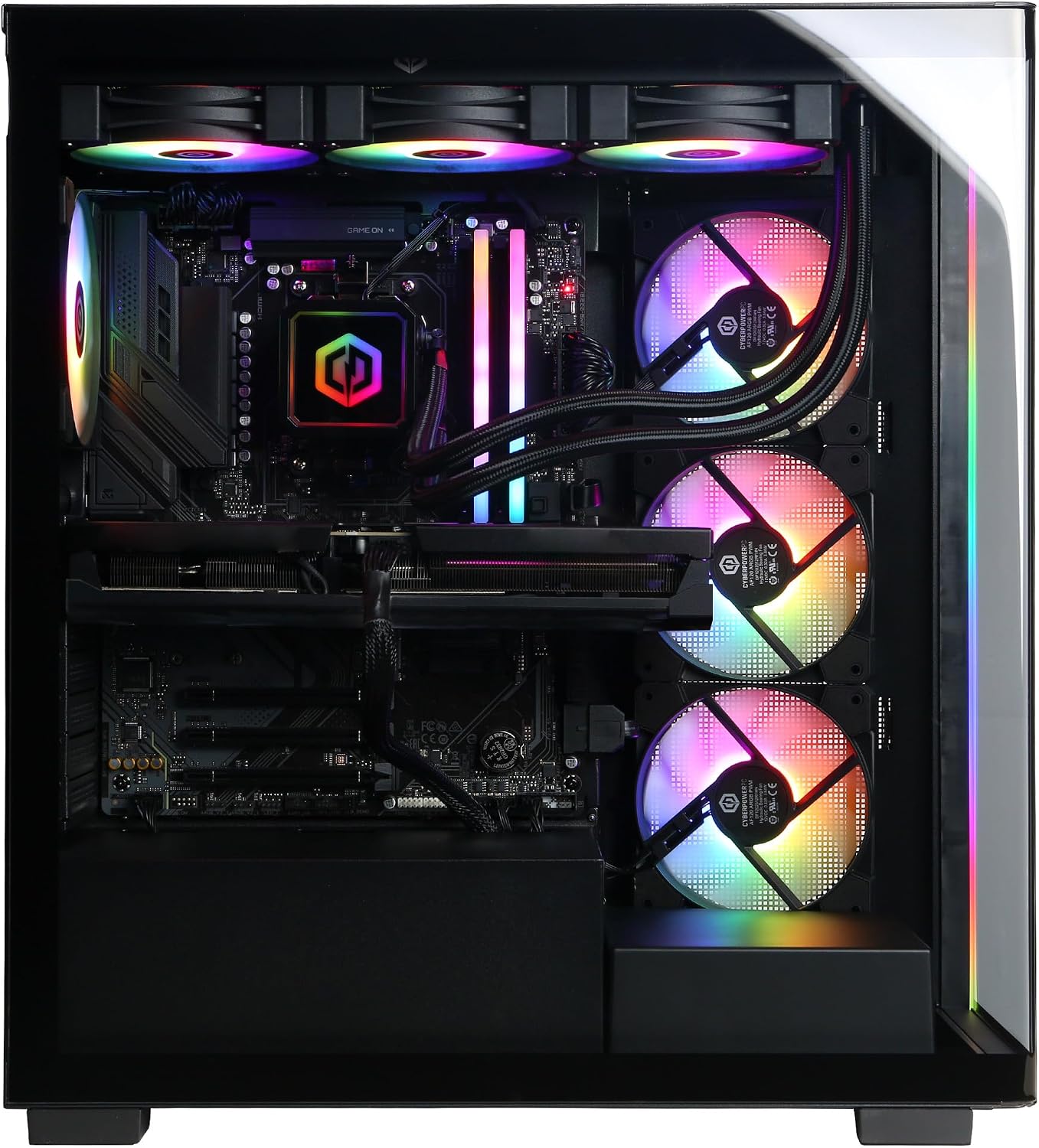
PC Specs
- CPU: Ryzen 7 9800X3D
- COOL: Liquid cooler
- GPU: RTX 5070 Ti 16GB
- RAM: 32GB DDR5
- SSD: 2TB NVME
Pros & Cons
- Excellent gaming CPU
- Strong 1440P performance
- 16GB of VRAM
- 32GB RAM and 2TB storage
- RTX 5080 provides more 4K headroom
Gamer Supreme – 9800X3D + RTX 5070 Ti Overview
If the RTX 5080 configuration listed above is outside of your price range, this version of the Gamer Supreme offers a nice step down without sacrificing the things that matter most for a high-end gaming PC.
It comes with AMD’s Ryzen 7 9800X3D, NVIDIA’s RTX 5070 Ti, 32GB of DDR5 memory, and a 2TB NVME SSD.
While the newer 9850X3D has taken over as AMD’s higher-end 8-core X3D option, the 9800X3D is still an extremely powerful gaming processor. The extra cache available on AMD’s X3D processors can be particularly useful in CPU-heavy games and when trying to push very high framerates.
The RTX 5070 Ti is also a strong pairing for the 9800X3D. Its 16GB of VRAM gives it more breathing room than NVIDIA’s lower-end 8GB cards, and it has enough power to deliver excellent performance on a 1440P high-refresh-rate monitor.
It’s capable of 4K gaming as well, although the RTX 5080 will obviously give you more headroom in the most demanding games.
CyberPowerPC rounds the system out with liquid CPU cooling, 32GB of memory, and 2TB of storage, so there aren’t any obvious upgrades that need to be made immediately.
For someone who wants a genuinely high-end gaming PC but can’t justify RTX 5080 or RTX 5090 pricing, this is probably the sweet spot in CyberPowerPC’s current lineup.
Gamer Xtreme – 265KF + RTX 5060 Ti (16GB)
A well-rounded mid-range CyberPowerPC desktop.
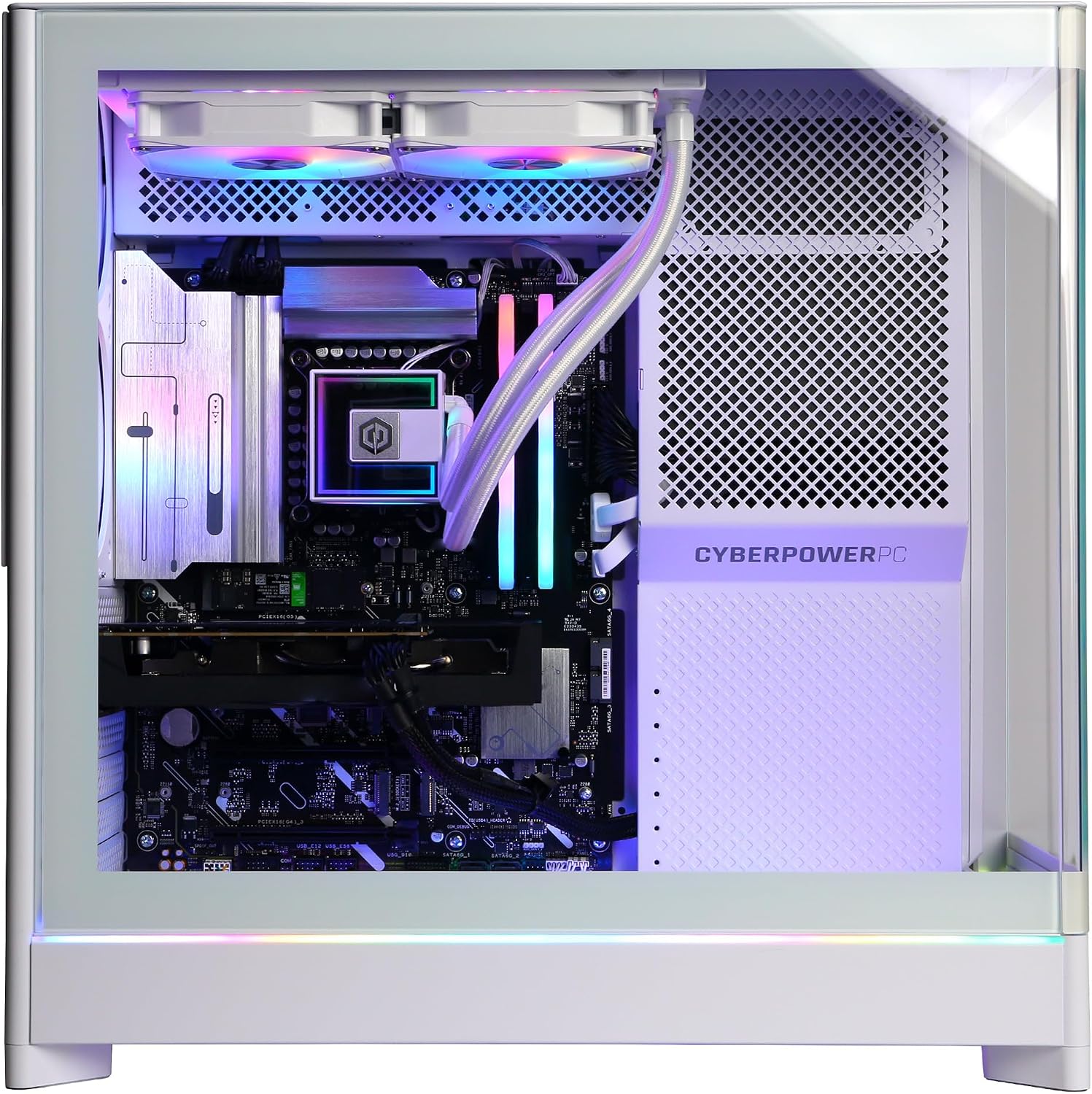
PC Specs
- CPU: Core Ultra 7 265KF
- COOL: Liquid cooler
- GPU: RTX 5060 Ti 16GB
- RAM: 32GB DDR5
- SSD: 2TB NVME
Pros & Cons
- Good 1440P gaming performance
- 16GB version of the RTX 5060 Ti
- 32GB RAM and 2TB storage
- Liquid CPU cooling
- X3D systems offer stronger CPU-bound gaming
Gamer Xtreme – 265KF + RTX 5060 Ti (16GB) Overview
CyberPowerPC also offers a much more attainable Gamer Xtreme configuration built around Intel’s Core Ultra 7 265KF and NVIDIA’s 16GB RTX 5060 Ti.
More importantly, this particular system avoids some of the compromises commonly found in less-expensive prebuilts. Instead of shipping with only 16GB of RAM and a 1TB SSD, it comes standard with 32GB of DDR5 memory and a 2TB NVME SSD.
It also uses the 16GB version of the RTX 5060 Ti rather than the less-desirable 8GB variant.
The RTX 5060 Ti isn’t in the same performance class as the RTX 5070 Ti or RTX 5080, but it’s still a capable option for 1440P gaming. And the larger 16GB VRAM buffer should give it more breathing room in memory-intensive games than lower-end 8GB cards.
The Core Ultra 7 265KF isn’t our first choice purely for gaming when compared with AMD’s X3D processors, but it is still a powerful CPU and is more than adequate for a system in this GPU class.
This configuration also includes liquid CPU cooling, which is a nice upgrade over the relatively basic air coolers you often find on mid-range prebuilts.
Ultimately, if you’re looking for a CyberPowerPC desktop that can deliver a strong 1440P experience without stepping into RTX 5070 Ti pricing, this is one of the more complete configurations available.
Gamer Xtreme – 14400F + RTX 5060
CyberPowerPC’s best budget-oriented gaming option.
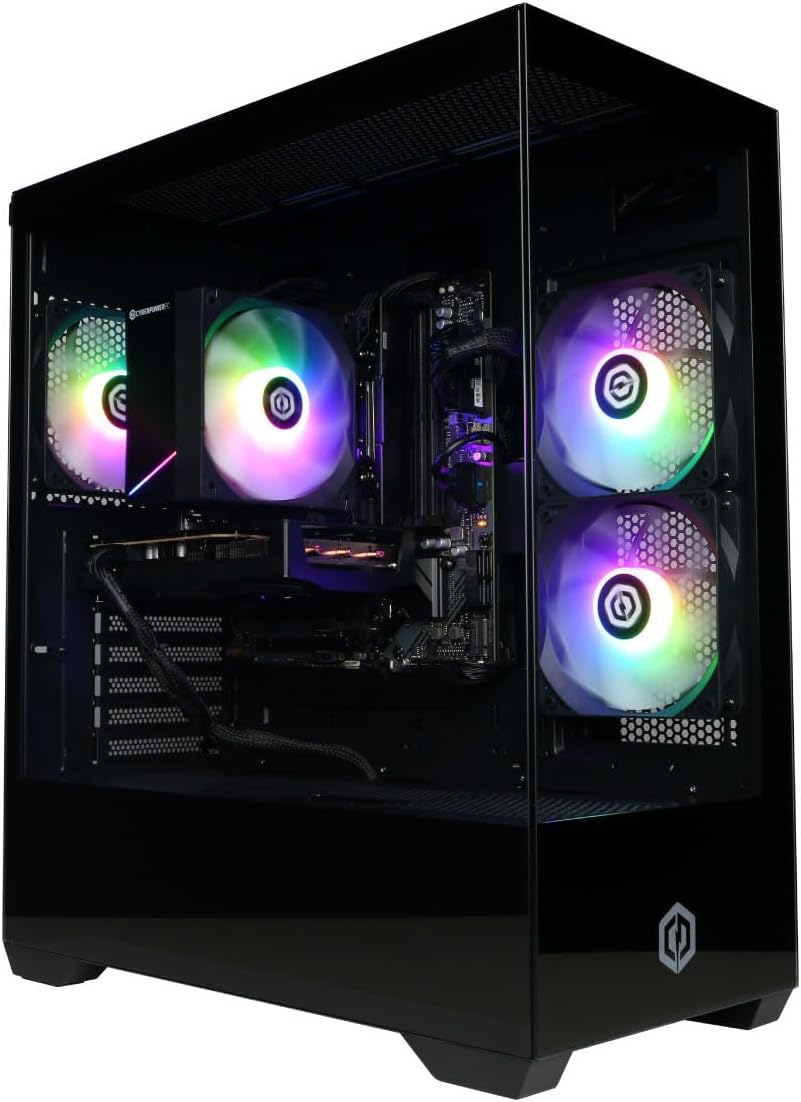
PC Specs
- CPU: Intel Core i5-14400F
- GPU: RTX 5060 8GB
- RAM: 16GB DDR5
- SSD: 1TB NVME
Pros & Cons
- Good 1080P gaming performance
- More affordable than the other options
- DLSS support
- Only 16GB of RAM
- RTX 5060 only has 8GB of VRAM
- Only 1TB of storage
Gamer Xtreme – 14400F + RTX 5060 Overview
For budget-oriented gamers who don’t need a machine capable of driving a high-end 1440P or 4K monitor, this Gamer Xtreme configuration makes a lot more sense.
It comes with an Intel Core i5-14400F processor, an NVIDIA RTX 5060 graphics card, 16GB of DDR5 memory, and a 1TB NVME SSD.
The i5-14400F and RTX 5060 combination is a solid fit for 1080P gaming. You should be able to run most games comfortably at that resolution, and NVIDIA’s DLSS technology can help boost performance in supported titles when necessary.
However, there are a couple of compromises that come with stepping down into this price range.
The biggest is the RTX 5060’s 8GB of VRAM. That’s adequate for a lot of games at 1080P, but newer games are continuing to become more demanding when it comes to graphics memory. If you’re hoping to keep the same graphics card for a long time or play primarily at 1440P, we’d prefer a card with more VRAM.
The system also ships with just 16GB of memory and a 1TB SSD. Both are usable, but we’d probably plan on eventually upgrading the memory to 32GB and adding another SSD as your game library grows.
Still, those are relatively easy upgrades to make later. And, if you’re willing to build your own system, you can compare it against our recommended gaming PC builds for 2026.
If your main goal is to get a CyberPowerPC desktop that can comfortably handle modern games at 1080P without spending significantly more on hardware you don’t need, this Gamer Xtreme is the option we’d look at first.
What is the Best CyberPowerPC Gaming PC Right Now?
If you’re looking for the most powerful CyberPowerPC gaming desktop available, the Ryzen 9 9950X and RTX 5090 Gamer Supreme is the obvious choice. The RTX 5090 gives it significantly more graphics horsepower than the other systems on this list and makes it an excellent option for extreme 4K gaming.
However, our favorite high-end configuration for most gamers is the Gamer Supreme that pairs the Ryzen 7 9850X3D with an RTX 5080.
You give up some GPU performance compared to the RTX 5090 system, but you still get an extremely powerful graphics card and you gain one of AMD’s gaming-focused X3D processors.
The 9800X3D and RTX 5070 Ti Gamer Supreme is another strong option if you want high-end performance at a lower pricepoint, while the RTX 5060 Ti and RTX 5060 Gamer Xtreme systems are better suited for gamers with more modest budgets.
Ultimately, CyberPowerPC’s biggest advantage is the number of configurations they offer. Just make sure you compare current pricing before buying, because the relative value of each system can change quickly as Amazon prices fluctuate.
Frequently Asked Questions
Is CyberPowerPC a good gaming PC brand?
CyberPowerPC is one of the more established companies in the prebuilt gaming PC market and offers systems ranging from entry-level gaming desktops to enthusiast PCs with flagship hardware. Their biggest strength is that they offer a huge variety of CPU and GPU combinations, which makes it easier to find a system that matches your budget.
As with any prebuilt manufacturer, though, value can vary from one configuration to another. We recommend evaluating the actual CPU, GPU, RAM, storage, cooling, and current price of an individual system instead of buying based solely on the CyberPowerPC name.
Which CyberPowerPC gaming PC is the best?
For maximum performance, CyberPowerPC’s Gamer Supreme with a Ryzen 9 9950X and RTX 5090 is the most powerful option on this list.
For most high-end gamers, though, we prefer the Ryzen 7 9850X3D and RTX 5080 Gamer Supreme. It still provides excellent 4K performance while pairing the RTX 5080 with a gaming-focused X3D processor.
What is the difference between CyberPowerPC Gamer Supreme and Gamer Xtreme?
CyberPowerPC generally uses the Gamer Supreme name for its higher-end configurations and the Gamer Xtreme name for more mainstream systems.
Gamer Supreme desktops are more likely to include high-end AMD processors, more powerful graphics cards, liquid cooling, larger memory capacities, and more storage. Gamer Xtreme systems tend to target lower pricepoints while still offering hardware suitable for modern gaming.
The exact components vary from system to system, though, so you should always check the specifications of the individual configuration you’re considering.
Is CyberPowerPC good for 4K gaming?
CyberPowerPC offers several systems that are excellent for 4K gaming, but it depends entirely on the graphics card inside the PC.
Systems equipped with an RTX 5080 or RTX 5090 are the best options on this list for demanding 4K gaming. An RTX 5070 Ti can also handle 4K gaming, particularly when you take advantage of technologies such as DLSS.
Lower-end systems with an RTX 5060 or RTX 5060 Ti are better suited for 1080P and 1440P gaming.
Should I get an RTX 5080 or RTX 5090 CyberPowerPC?
For most gamers, an RTX 5080 system will make more sense. The RTX 5080 already delivers extremely strong gaming performance and is capable of running demanding games at 4K.
The RTX 5090 is significantly more powerful, but systems equipped with it also carry a substantial price premium. It makes the most sense for enthusiasts who want the highest performance possible, users targeting very high refresh rates at 4K, or people who can also benefit from the card’s performance in professional GPU workloads.
How much RAM should a CyberPowerPC gaming PC have?
We’d recommend 32GB of RAM for a new higher-end gaming PC in 2026. It provides plenty of memory for modern games while also leaving room for background applications, streaming, and multitasking.
A system with 16GB can still work well for budget-oriented gaming, especially at 1080P, but upgrading to 32GB is one of the first improvements we’d consider.
Can you upgrade a CyberPowerPC gaming PC?
Yes. CyberPowerPC desktops generally use standard desktop components, which means components such as the graphics card, RAM, storage, power supply, and—in many cases—the processor can be upgraded later.
Compatibility still matters, though. Before upgrading, you’ll want to make sure the motherboard supports the new component, the power supply has enough capacity, and the case has enough physical space and cooling for the hardware you’re installing.
